A Post-it here, a calendar entry there and where is the proof of the fire safety inspection? With analog maintenance management, paper chaos is inevitable. Fortunately, there is CMMS.
The abbreviation stands for Computerized Maintenance Management System. In German: Computerized Maintenance Management System. The solutions digitalize processes in building management to make them faster and easier to plan.
How exactly does this work and which providers are best suited to your own challenges? Our big CMMS software comparison provides answers and helps you make the right decision.
In our major comparison of CMMS software, we focus on seven products that cover the most important tasks of modern maintenance management, are established in the German-speaking market and are available as SaaS:
- Wowflow
- Remberg
- eMaint
- ToolSense
- Maintastic
- Osapiens-CMMS
- TOM Maintenance

Would you like to experience first-hand how a modern CMMS works in practice? Then secure your 14-day trial access to Wowflow.
What is CMMS software?
CMMS stands for Computerized Maintenance Management System. This is software for the central management and optimization of maintenance processes for systems, machines and buildings.
The digital platform stores information on assets, maintenance dates, work orders and spare parts. Users can see all maintenance information at a glance, plan its execution and document it centrally. The result is increased productivity, less downtime and improved traceability for building management tasks. tasks for building management.
Difference to other software solutions
Maintenance tasks are extremely varied, which is why it is not surprising that there are other IT products to support them in addition to CMMS software programs. Our comparison of the most important building management software shows that the following categorization makes sense:
CAFM (Computer Aided Facility Management)
Providers as in our CAFM software overview extend the functions of CMMS to include tools for space planning and energy and service management.
EAM (Enterprise Asset Management)
EAM goes one step further than CAFM and covers the entire asset lifecycle, including strategic analyses, risk management and ERP integration.
ERP (Enterprise Resource Planning)
This includes comprehensive software products that map as many business processes as possible. Building management is therefore only a small component alongside solutions for accounting, human resources and more.
Which software solution should you choose? Decision support is available here

When comparison of different facility management software it becomes clear that the range of functions can vary greatly. Therefore, before choosing the right provider, the question should be asked as to whether the CMMS functions are sufficient or whether a CAFM, EAM or ERP solution is required.
Our decision tree can help answer this question:
What is the main goal of the software implementation?
- “We want to reduce disruptions, emergencies and unplanned downtime and organize maintenance better.”
- “We want to have buildings, areas, rooms, occupancy and services under control.”
- “Above all, we want to integrate business processes into one system; maintenance is just one part of it.”
Answer 1:
- A CMMS solution is often sufficient for a manageable number of assets at one to three locations. It offers all the necessary functions and can be set up quickly.
- If several plants and regions are involved and a risk assessment is necessary, an EAM solution is probably the better choice. It offers strategic analyses and risk assessments based on asset data.
Answer 2:
- If infrastructure issues are of secondary importance and the focus is on technical maintenance, then a CMMS solution is the right choice.
- When it comes to maintaining an overview of room occupancy and managing services such as cleaning and catering, then CAFM should come into focus. By the way: As our software comparison shows, many CAFM systems have an integrated CMMS module. There are also adequate CAFM alternatives .
Answer 3:
- If basic maintenance functions are sufficient and no other tools are to be introduced in the company, then the choice quickly falls on the resources stored in the ERP. SAP offers special functions for real estate and facility management, for example.
- If you need more details in building management – such as mobile apps, individual checklists or detailed asset management – a pure ERP is not enough. In this case, an EAM system can expand the range of functions and be natively connected to the ERP.
Not sure whether a CMMS is right for your needs? We would be happy to give you a free demonstration of Wowflow. Get in touch with us.
What core functions should a CMMS have?
At its core, a CMMS should map seven functions:
Maintenance planning and preventive maintenance
It should be possible to automatically create preventive maintenance plans with checklists and notifications based on time, meter or condition. Such a shift from reactive repairs to predictive maintenance drastically reduces downtimes.
Work orders and ticketing
Pending maintenance work must be forwarded to the responsible persons reliably and as automatically as possible. These automated workflows and faster access to information speed up maintenance processes.
Asset and facility management
A CMMS Computerized Maintenance Management System is a one-stop store when it comes to managing all facilities, buildings, and other assets. Here are inspection logs, locations, warranties, and technical data.
Mobile app and offline function
Photo documentation, ticket creation, checklist retrieval and more must be possible on the move.
Reporting and KPIs
The fire protection documentation is one of the most important documents in maintenance management. There is also a great deal of other information that is stored securely and centrally in the CMMS. This not only serves compliance requirements. It also provides data analyses and reports for well-founded strategic decisions.
The 7 most important CMMS software in comparison
The decision has been made: It should be a CMMS. In our big comparison, we take a closer look at seven providers. They all want to simplify maintenance management for facility managers in the DACH region. Will they succeed and what are their individual focuses? Our detailed overview shows.
Wowflow - Collaborative CMMS software solution
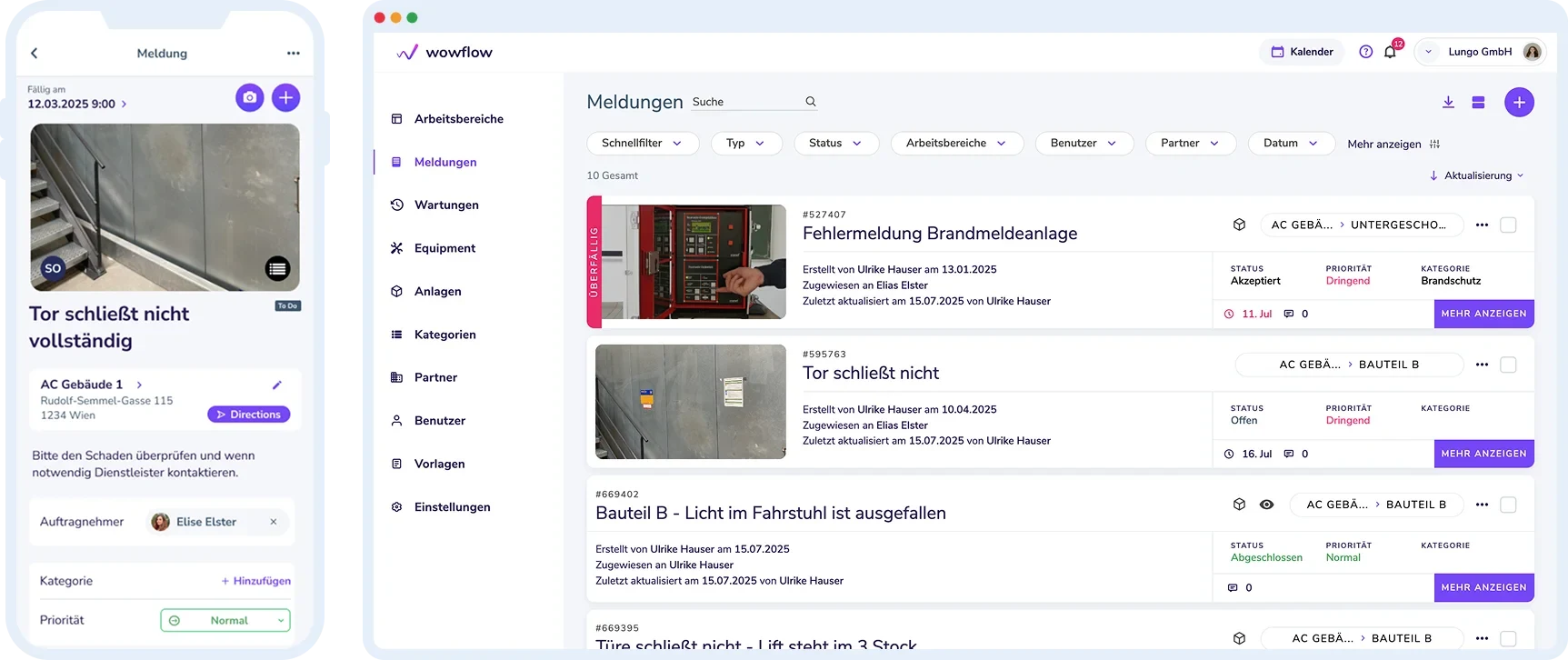
Since its foundation seven years ago, Wowflow has developed into a pioneer on the CMMS market in Germany, Austria and Switzerland. Its customers include Sony, Brau-Union and the Schwäbisch-Alp-Bahn.
Its success is based on a unique collaboration platform on which an unlimited number of external service providers can be registered free of charge. In addition, there is an intuitive user interface with numerous modules for maintenance management and an app that predominantly receives top ratings in the stores (Google: 4.2, Apple: 4.4). It achieves high acceptance rates among employees, partly because it works offline. This reflects the provider’s mobile-first approach.
In addition, the CMMS software Wowflow also offers excellent customer support and personalized onboarding for new customers.
Main functions:
- Order management and ticketing: work orders can be collected in one place by email or QR code and their status tracked in real time
- Maintenance planning and servicing: maintenance staff automatically receive messages about measures to be carried out
- Checklists and forms: Forms and checklists are created flexibly according to the inspection or maintenance requirements
- Asset management: all assets in the building can be recorded and managed centrally
- Analyses and reporting: reports can be customized with your own logo and sent to customers as a PDF with just a few clicks
- Equipment and key management: complete overview of all loaned items – from keys to lawn mowers
- Collaboration platform: Seamless e-mail integration and free integration of external service providers
- Mobile functions: Offline-capable app with signatures, photo documentation and ticket creation
Advantages of Wowflow:
- Tailor-made solution for the maintenance and servicing of buildings
- Wowflow supports ten different languages such as German, English, Polish, Russian, Italian and Ukrainian.
- External employees can be integrated on the platform – without additional costs and registration
- The CMMS software can be 14 days free of charge in operation be tested
- Wowflow synchronizes current emails automatically, which significantly reduces manual effort
- Positive ratings on Trusted (4.7 out of 79 reviews) and Capterra
Disadvantages of Wowflow:
- The software is less suitable for the maintenance of production lines or complex machines
- A dedicated spare parts warehouse module is missing
Wowflow focuses on a mobile way of working and the seamless linking of different professionals. The application is therefore particularly suitable for modern maintenance management that works with various external service providers.
- License costs: 14-day trial period, thereafter from 99.90 Euro per year*
- Capterra rating: 5.0 (16 reviews)
Remberg - AI-supported maintenance software
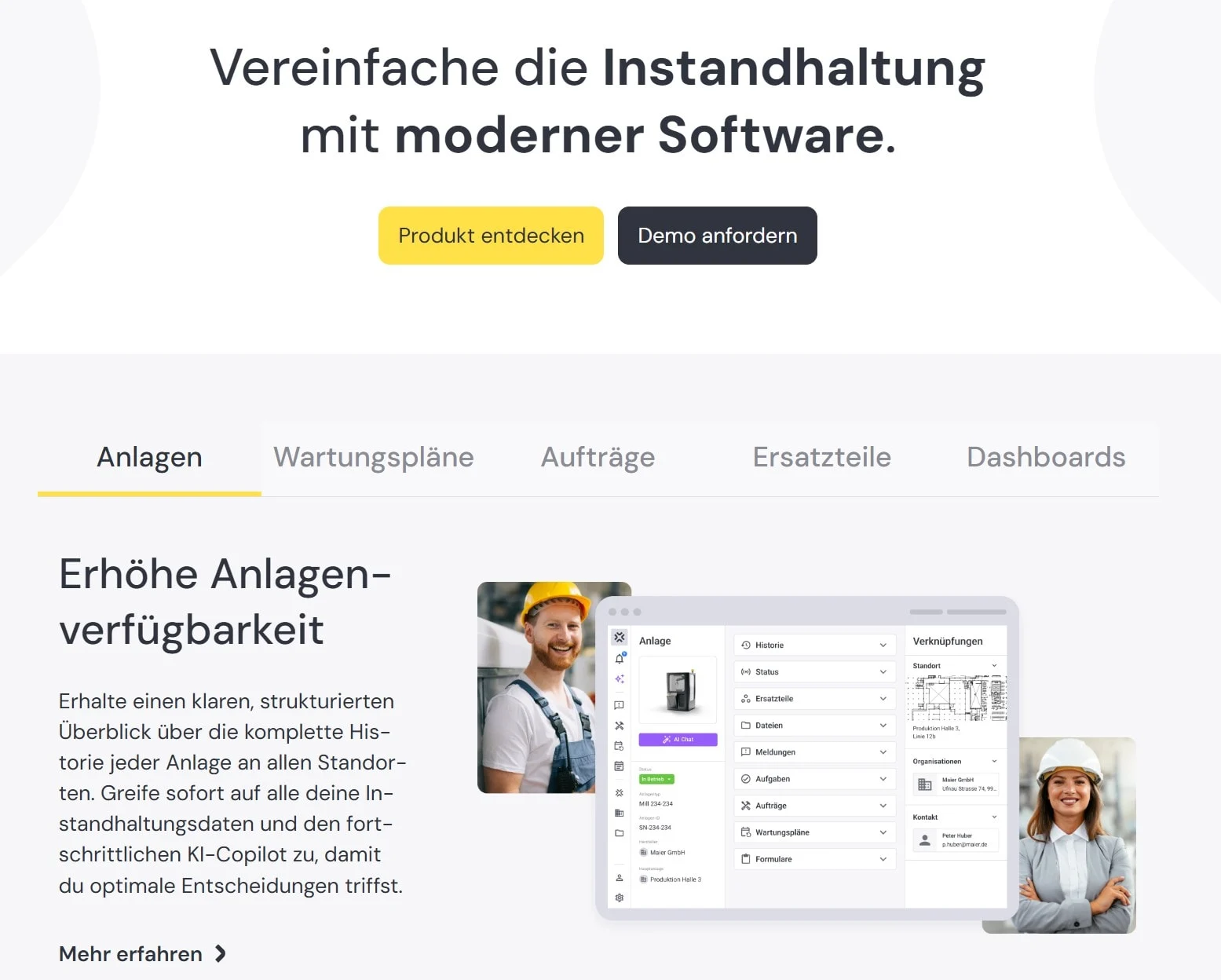
Remberg sees itself as a modern, AI-supported maintenance software with a strong focus on assets, maintenance processes and digital service models. The platform addresses both traditional maintenance teams and companies that want to digitize after-sales services.
One special feature is the AI co-pilot, which supports maintenance teams in analyzing faults and suggesting solutions – a function that makes Remberg an innovative provider on the market.
Main functions:
- Asset register: Central management of all machines and systems via app, PC or QR code
- Work order management: Efficient creation, assignment and tracking of work orders
- Checklists and processes: Checklists, standard operating procedures and reports can be completed via app and offline
- Spare parts management: Overview of stock levels and required spare parts.
- Preventive maintenance: structured planning of preventive maintenance based on dates or intervals
- Service portals: Digital portals for communication between operators and manufacturers
Advantages of Remberg:
- One of the first CMMS solutions with a fully-fledged AI co-pilot for maintenance support
- The cloud-based user interface offers an intuitive, modern design
- The application can be tested free of charge for 14 days without contacting the sales department
- The tool is ISO/IEC 27001-certified for maximum data security
- Various systems can be docked via API
Disadvantages of Remberg:
- Pricing is not fully transparent on the website
- The solution may be too technical and detailed for simple building maintenance
- According to user feedback, KPI evaluations are missing in some areas
Remberg is ideal for industrial companies with complex machines that want to use AI-supported maintenance analyses and processes.
- License costs: From 30 euros per month per user*
- Capterra rating: 4.9 (33 reviews)
eMaint - Long-established CMMS solution
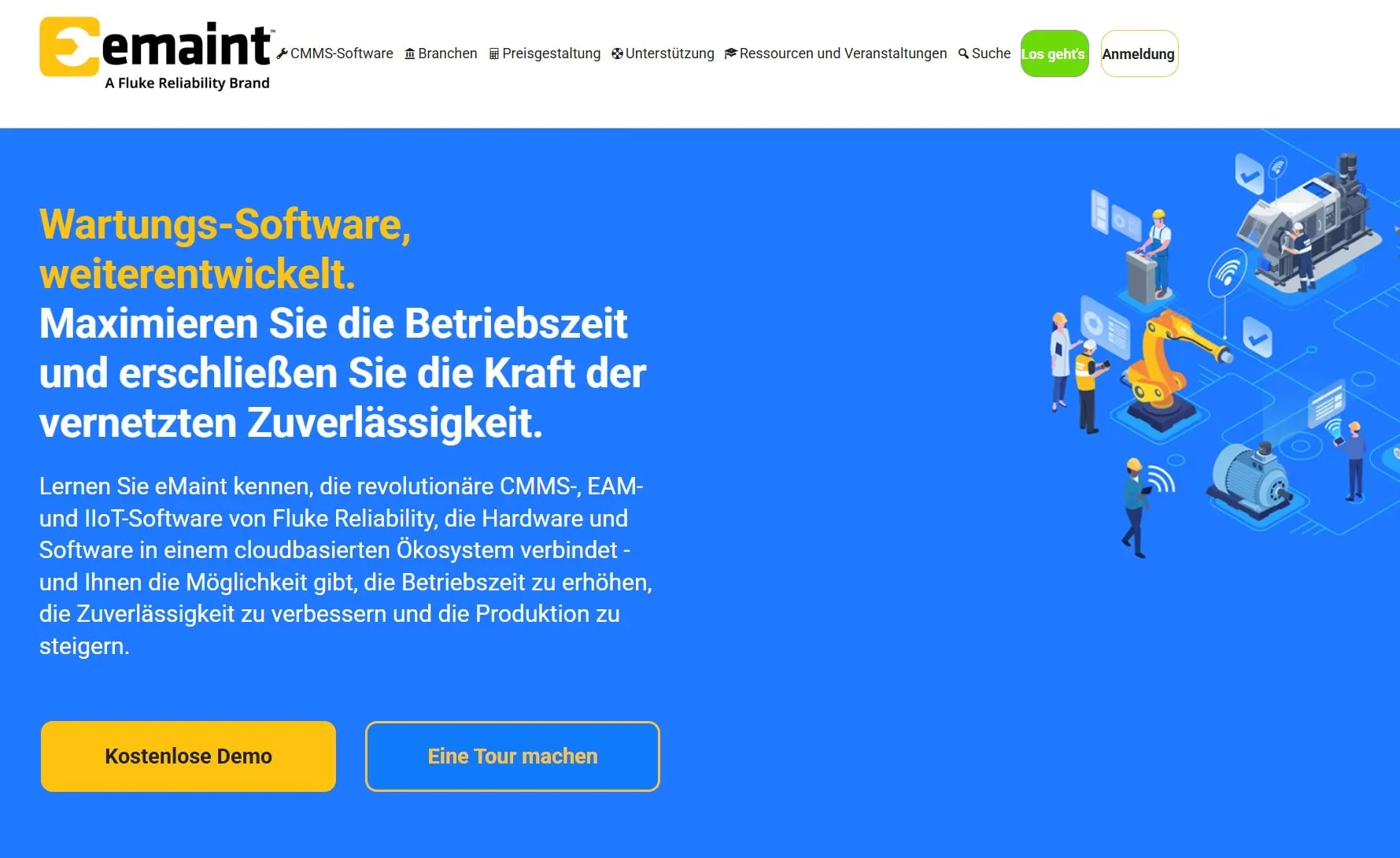
With over 30 years of market experience and more than 150,000 users worldwide, eMaint is one of the most established providers in the industry. The cloud-based CMMS is part of the Fluke Reliability portfolio and complements the testing and sensor technology ecosystem. The solution is therefore particularly suitable for complex maintenance processes in the manufacturing industry.
Main functions:
- Work order management: Comprehensive management of all work orders with detailed workflows
- Preventive maintenance: planning functions for preventive maintenance
- Plant and location structures: Detailed mapping of complex organizational structures
- Spare parts and warehouse management: Complete inventory management module
- Analytics and reporting: Extensive reporting and analysis functions
- Mobile app: Offline-capable app for working in the field
- eMaint AI: The AI should be able to predict failures and generate tickets automatically
Advantages of eMaint:
- Very feature-rich, proven CMMS with over 150,000 users worldwide and over 30 years of experience
- Excellent API integration with other software and ERP systems
- Many best-practice templates and KPI dashboards for various industries
- Transparent pricing with clearly defined packages
- Over 300 positive reviews on Capterra
- Strong offline functionality of the mobile app
Disadvantages of eMaint:
- Interface and configuration are sometimes considered complex and outdated, which increases the implementation effort
- The mobile app has mediocre ratings: Fluke Mobile gets 3.7 stars, eMaint X5 only 2.6 stars in the Google Play Store
- A test is only possible after a discussion with the sales team
- The functions may be too extensive for simple building maintenance
- Some users complain about the technical support
eMaint is particularly suitable for medium-sized to large industrial companies and maintenance organizations that require a tried-and-tested CMMS with a wide range of functions and deep integration options.
- License costs: from 69 euros per user and month*
- Capterra rating: 4.4 (329 ratings)
ToolSense - "Asset Operations Platform" with IoT integration
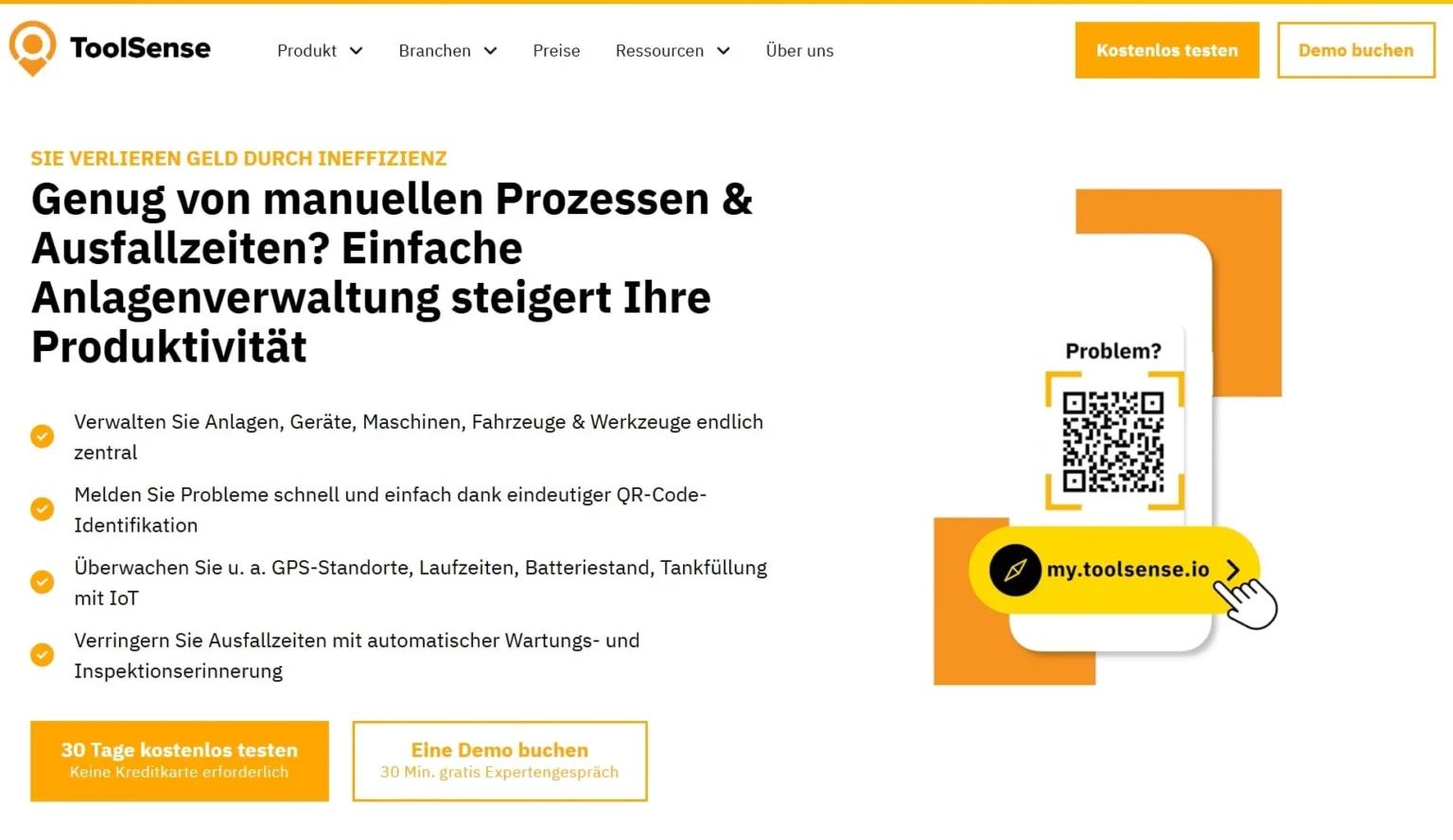
ToolSense positions itself as an “asset operations platform” at the interface of asset tracking, inspections and maintenance. The software was originally developed for construction, rental and service-intensive industries and focuses in particular on the digitalization of the entire asset lifecycle via QR and NFC tags.
ToolSense’s own IoT sensors for machine monitoring are a unique selling point – ideal for companies looking for hardware and software solutions from a single source. This is because the integration of IoT technologies into a CMMS can increase the efficiency of maintenance processes.
Main functions:
- Asset management: Simple identification and management of all devices and machines using QR codes
- Testing and inspections: Maintenance and safety inspections are triggered by IoT data or set intervals
- Maintenance management: maintenance workflows can be created for several assets at the same time
- Work order management: tickets are created automatically and forwarded to the responsible employees
- Dashboard analyses: transparency about runtimes, downtimes and capacity utilization
- IoT sensors: proprietary sensors for machine monitoring
Advantages of ToolSense:
- The solution can be tested free of charge for 30 days
- The software is particularly strong in device management and asset tracking
- The range of functions can be expanded using the company’s own IoT hardware, which facilitates predictive maintenance and improves system management
Disadvantages of ToolSense:
- Pricing is not transparent on the website – researched information refers to comparison portals
- The solution is less strong for classic building structures and commercial FM functions
- The evaluation of the ToolSense app is mixed
- The range of functions is too complex for some users
The combination of software and IoT sensors makes ToolSense particularly interesting for construction and cleaning companies, machine rental companies and other companies with many distributed, mobile assets.
- License costs: 30-day trial period, thereafter from 29 euros per user and month*
- Capterra rating: 4.7 (67 reviews)
Maintastic - Collaboration platform with white label option
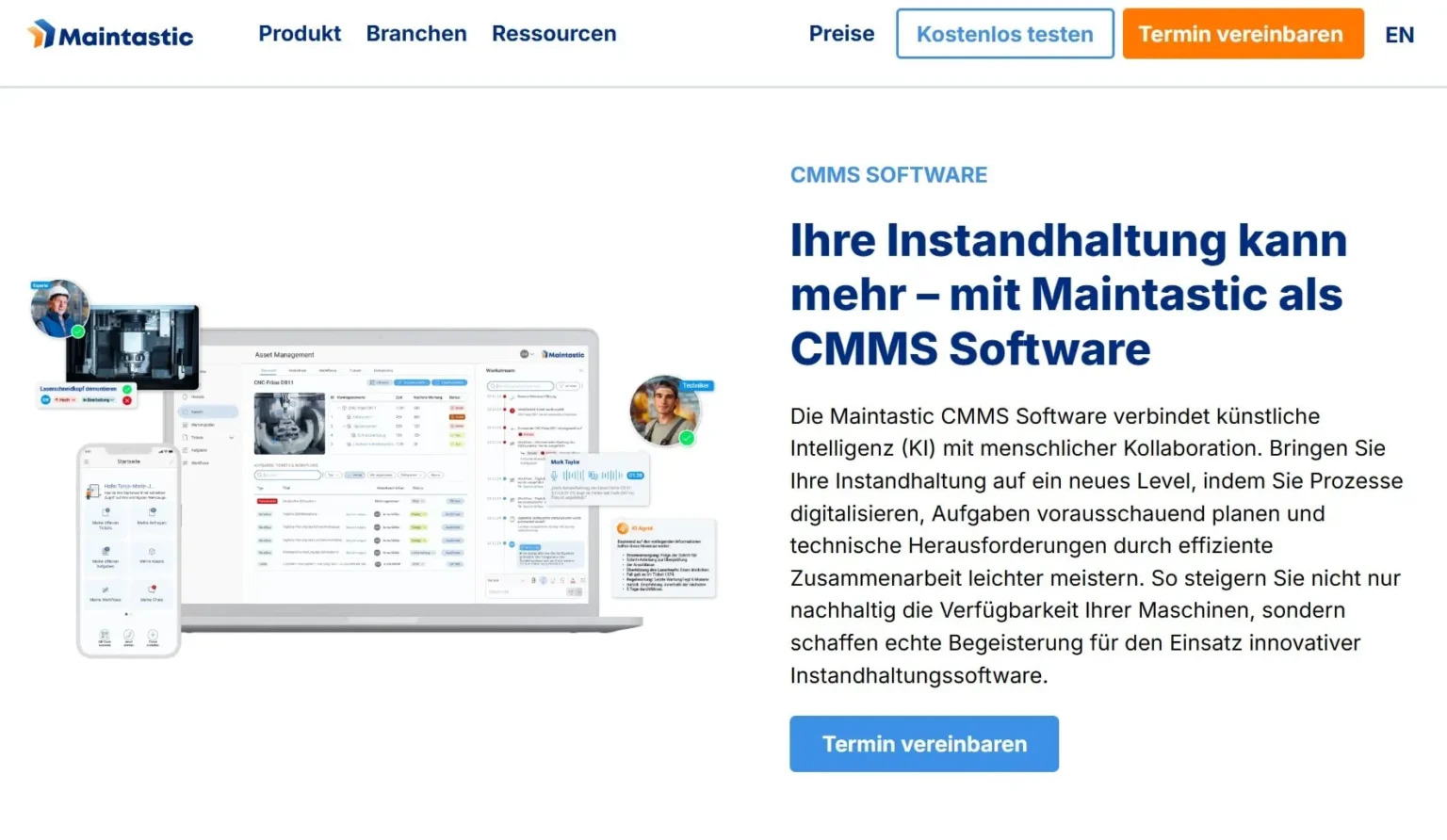
Maintastic is advertised as modern, AI-supported maintenance software. The solution is primarily aimed at industrial users with a need for structured maintenance planning and digital communication between different stakeholders.
The tool offers a video and chat function in addition to classic CMMS functions. Maintastic thus becomes a genuine collaboration platform.
Main functions:
- Asset management: machines, systems and building technology can be managed and optimized
- Tickets and error messages: Faults can be recorded by voice and an AI converts the information into tickets
- Maintenance planning: flexibly customizable templates and automatic assignment of work orders
- Collaboration with AI and AR: real-time collaboration between maintenance teams, suppliers and technicians
- White label option: possibility to customize the app to your own corporate design
Advantages of Maintastic:
- Modern, mobile interface with a focus on user-friendliness
- Unique video and chat functions for remote support
- White label solution for companies with branding requirements
- The tool is ISO/IEC 27001-certified for maximum data security.
- Positive ratings on Capterra and in the Google Play Store (4.9 out of 34 reviews)
Disadvantages of Maintastic:
- Pricing is not transparent on the website – researched information refers to comparison portals
- No immediate test access without contacting the sales team
- Limited public references and ratings compared to more established providers
- A module for spare parts and inventory management is missing
Maintastic is a good option for companies that work closely with many external service providers and therefore have a strong focus on collaboration. The white label option also makes the solution interesting for service providers with their own branding requirements.
- License costs: free for small teams, then from 30 euros per user and month*
- Capterra rating: 4.9 (33 reviews)
osapiens-CMMS - CMMS as part of a hyperscaler platform
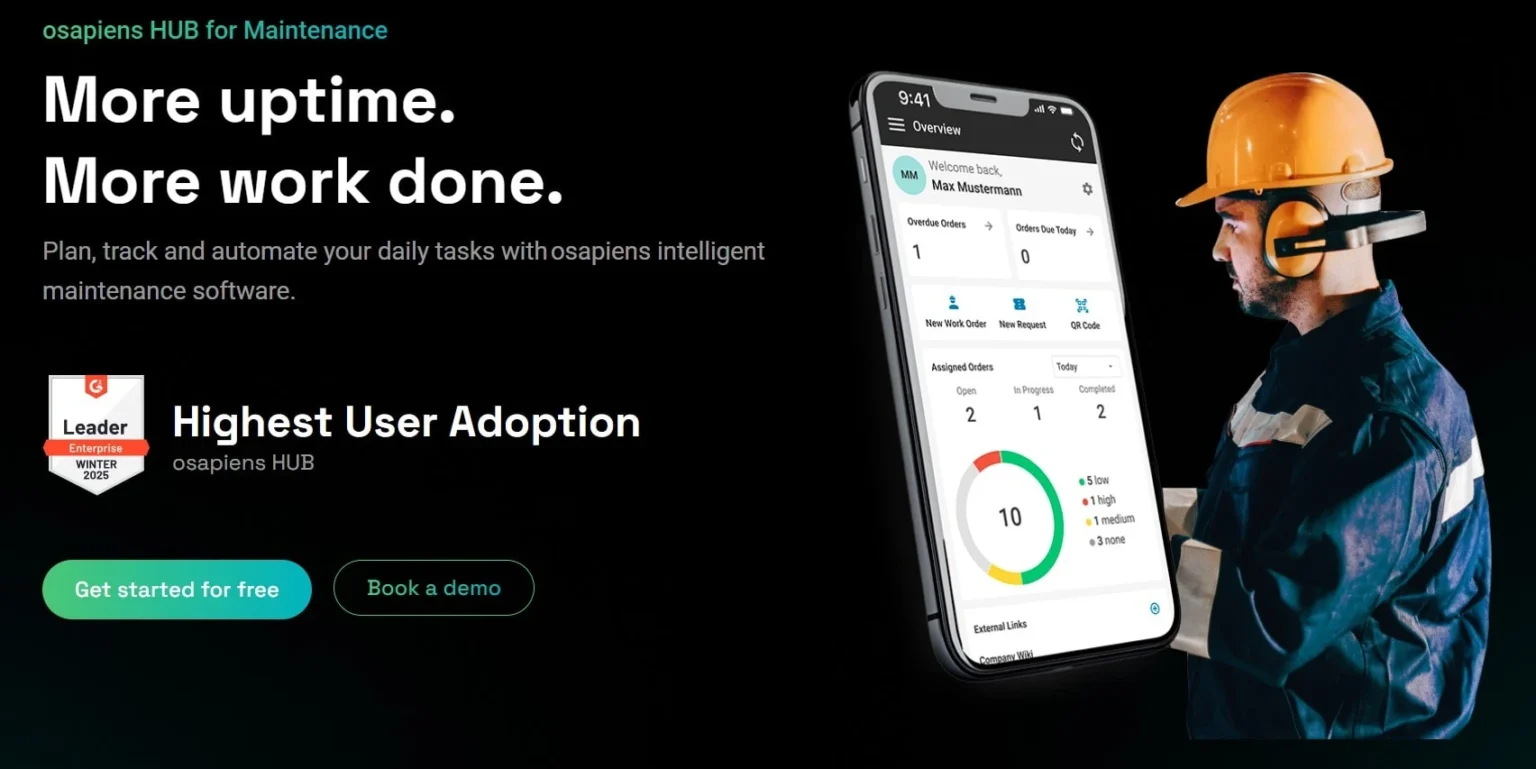
osapiens CMMS is part of the osapiens HUB with a total of 25 different cloud-based software solutions. They are designed to help companies meet reporting obligations, manage supply chains and minimize risks of all kinds. With success: osapiens is Germany’s first unicorn 2026.
Main functions:
- Asset management: all master data, forms, orders and documents centrally in one place
- Maintenance orders: Compliance with industry standards such as GMP through Smart Forms
- Preventive maintenance: planning, implementation and optimization of maintenance and repair processes.
- Spare parts and warehouse: real-time stock monitoring to avoid bottlenecks
- SAP integration: bidirectional synchronization with ERP systems.
Advantages of osapiens:
- Very transparent pricing with three clear packages: Starter (free), Essential (29 euros per user and month), Permium (49 euros per user and month)
- Software can be tested free of charge for 14 days without sales contact
- There is also a free starter version for up to 5 users
- Part of the osabiens Hub, so that the solution can be flexibly expanded to include compliance and sustainability tools
- Good connectivity to Salesforce, Outlook, SAP and other business solutions
Disadvantages of osapiens:
- Possibly too extensive for small businesses with simple maintenance work
- Still less well-known in the traditional CMMS market than established providers, which means that public evaluations are limited
osapiens CMMS is particularly suitable for medium-sized to large companies that want to map topics such as supply chain transparency and ESG reporting in addition to pure maintenance.
- License costs: 14-day trial period, then free of charge or from 29 euros per user and month*
- Capterra rating: 5.0 (1 rating)
TOM maintenance software - Proven CMMS solution from Germany
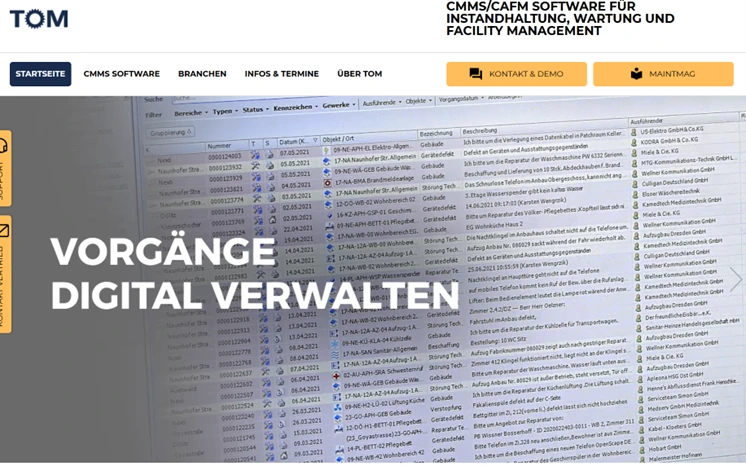
TOM maintenance software is a CMMS/CAFM solution that has been established on the market for over 25 years. It is aimed at companies that own objects of all kinds that require inspection and maintenance or that manage them on behalf of customers – from production and building technology to public utilities, medical and security technology. A special module is TOMeda for energy monitoring and optimization.
Main functions:
- Process management: management of maintenance, inspections, faults and repairs
- Weak point analysis: Evaluate downtimes, response times and other key figures
- Building management: digitally map entire buildings, including floors and rooms
- Print and label designer: Graphic evaluations of company-specific information
- TOMeda (additional module): Energy monitoring and optimization of energy consumption
Advantages of TOM:
- The supplier M.O.P GmbH has been on the market for over 35 years and therefore has a wealth of experience
- Available on-premise and as a cloud solution
- Special energy monitoring module for energy-intensive companies
Disadvantages of TOM:
- Interface sometimes looks outdated compared to newer cloud solutions
- There is no information on prices and packages
- The sales team must be contacted for test access
TOM maintenance software is particularly suitable for companies that are looking for an on-premise option and want to reduce their energy costs.
- License costs: Price on request
- Capterra rating: no rating
Our 3 selection criteria
There are more than 20 established CMMS providers on the German market alone. To compare them all in detail would go beyond the scope of this article. For this reason, we have limited our overview to seven solutions.
We based our selection on these three criteria:
- All providers are established in the DACH region with German-speaking support and GDPR-compliant EU cloud hosting.
- The founders of Wowflow are former facility managers themselves. Based on this experience, we have selected the solutions that really make a difference in day-to-day work: they reduce downtime, optimize planning and digitize paper-based processes. And they are reliable and easy to implement, so that the efficiency of maintenance activities really increases.
- This also means that all providers have native apps or mobile extensions for smartphones and tablets in their range. Because we know that: No facility manager leaves the building today without a digital device. They can be used to record and synchronize faults, checklists and orders directly on site.
Conclusion
Choosing the right CMMS solution can be a difficult process, as many implementations fall short of expectations. Our overview aims to prevent this and make it easier for you to find the right solution for your maintenance strategies.
While Remberg and Maintastic score points with innovative AI functions, eMaint and TOM Instandhaltung use established enterprise solutions for complex industrial requirements. ToolSense goes one step further with IoT integration and osapiens CMMS, which builds a bridge between maintenance management and reporting.
For facility management and building maintenance in the DACH region with a focus on mobile use and external collaboration, the CMMS software from Wowflow offers an attractive combination of a user-friendly app, free service provider integration, and transparent pricing. If you would like to see the services for yourself, you should try the free full access for 14 days free of charge.
FAQ
For whom is a CMMS worthwhile?
A CMMS is worthwhile for anyone who regularly carries out maintenance or servicing tasks. This is particularly true for companies with several assets at different locations, as it can reduce downtimes, lower maintenance costs and improve transparency regarding the condition of the system. In addition, a CMMS bundles all documents in one place, making it easier to fulfill verification obligations.
What does CMMS software cost?
The costs vary considerably depending on the range of functions and license model. Wowflow is available from 99.90 euros per user per year. Other cloud-based solutions start at around 20 euros per user per month. Training, introduction and integration costs may also be incurred, especially for IoT connections.
How long does the introduction of CMMS software take?
The implementation time depends on the size of the company, the data preparation and the range of functions. Small organizations can get started within a few weeks, while larger companies with complex processes and interfaces may need several months. Regardless of these factors, Wowflow requires a maximum of eight weeks for successful implementation – otherwise you get your money back.