

This article was last reviewed and updated on June 30, 2026.
A facilities manager’s day is a constant juggling act. Service providers need coordinating, buildings have to stay safe, and sooner or later the big investment decisions land on the same desk as everything else. Keeping a clear view of all of it is hard, which is where facilities management software earns its place. The harder part is choosing the right one. CAFM, CMMS, and IWMS platforms all promise to help, but every category is designed for different tasks. So which facilities management software best suits your particular requirements?
This comparison is built to answer that. Drawing on years of hands-on experience in the market, we’ve narrowed the field to seven platforms that hold up in real use and make a genuine difference to how a facilities team gets through its week.
Best Facilities Management Software in 2026: Key Solutions Compared
In this comparison, we look closely at seven platforms built for facilities managers, each one covering the tasks that define modern facilities management and each one well established in the market:
- Wowflow – Collaborative Facilities Management Software
- Planon – CAFM / IWMS with Sustainability and Compliance Features
- TRIRIGA – CAFM / IWMS for Real Estate and Workplace Operations
- FMX – Facilities Management Software Specialising in Education
- Corrigo – CMMS Software for FM Teams by JLL
- eMaint – CMMS Software for Asset Maintenance
- MaintainX – CMMS Software with a Mobile-first Approach
We chose these seven facilities management software solutions by testing them against the things that actually decide whether a tool survives in daily use, including pricing, integrations, and the ease of onboarding. The result is a list of distinct solutions that hold up for facility managers and the service providers they work with. Each featured software includes a clear recommendation on which organisational needs it suits best.
For a more detailed breakdown of our provider selection process, please refer to the section at the end of this article.
Let’s now take a closer look at the individual solutions:
Wowflow - Collaborative Facilities Management Software
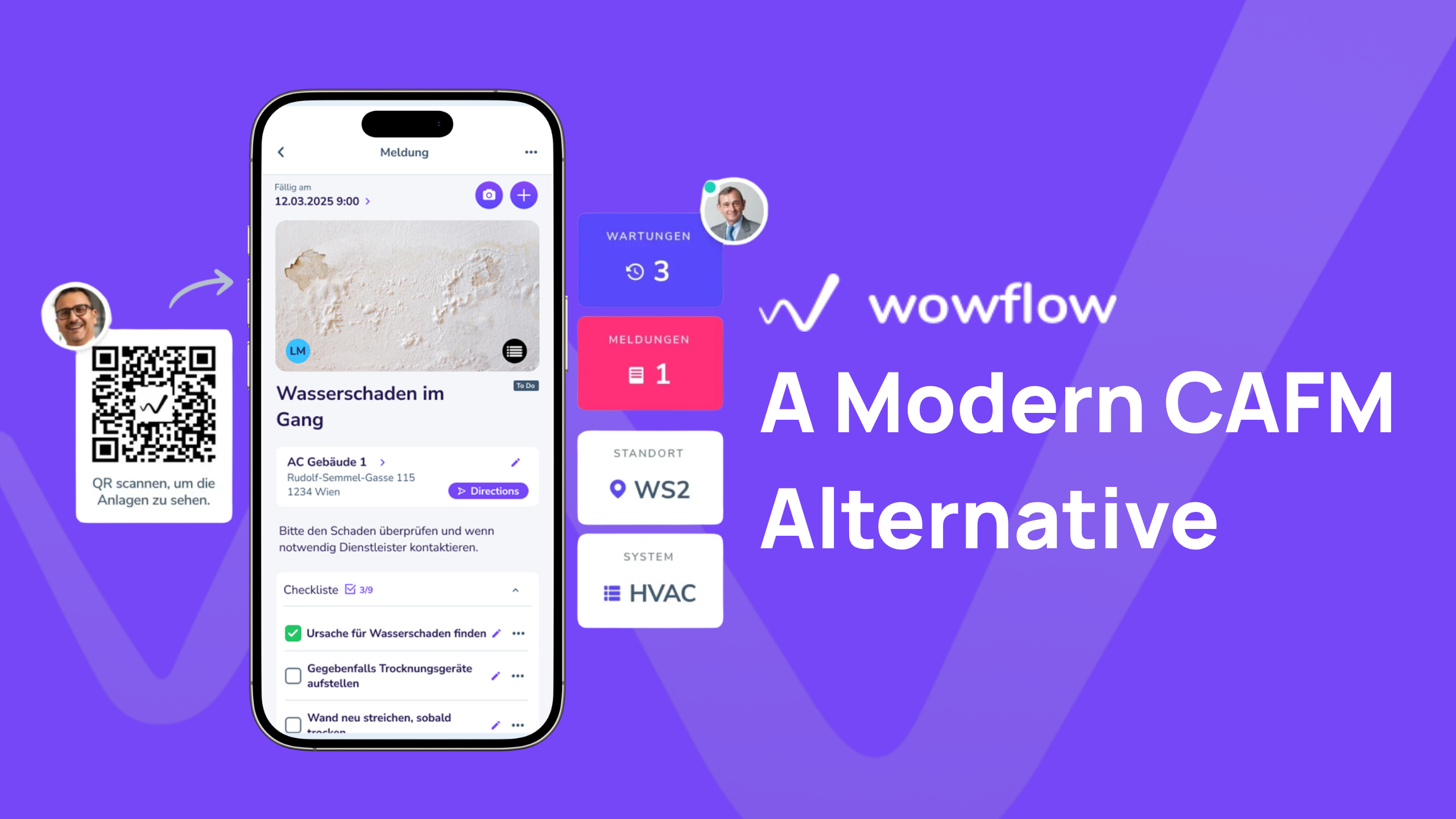
Wowflow is not a typical, plan-based CAFM software. Instead, the platform is designed to focus on the operational and collaborative side of facilities management. The aim: to give facilities managers and external service providers a shared, simple way to work together without friction.
Founded in 2018, Wowflow provides an intuitive facilities management platform for managers and field teams. It works on desktop and mobile and can be used without a Wowflow account at no additional cost.
Building on its collaborative approach, Wowflow provides features that support efficient day-to-day facility operations. The software can be used to prioritise, assign and track work for optimal resource utilisation. It offers photo documentation, seamless email integration, and a well-rated app that keeps field teams connected to the same system as office-based managers.
Main functions:
- Order management and ticketing: Projects are collected in one place so that their status can be tracked in real time.
- Asset management: Assets can be recorded via an app to create maintenance plans.
- Device and key management: Wowflow enables the tracking of loaned items.
- Maintenance planning and servicing: Automatic delegation of planned maintenance to internal technicians or service providers
- Photo documentation and inspection: Photos, checklists and documents can be specifically requested and stored, making collaboration easier.
- Checklists and forms: Forms and checklists can be flexibly created according to inspection or maintenance requirements.
- Analytics and reporting: Reports on buildings, tasks, service providers and more are created with just a few clicks and saved as a PDF or uploaded to the ERP.
Advantages of Wowflow:
- Quick implementation: The software can be fully implemented and ready for use within two weeks.
- Responsive customer support: Every customer receives personalised support and is treated as more than just a ticket number.
- Competitive pricing: User licences start at €39, with additional licences available as needed.
- Fully featured mobile app: The app includes all core software functions, allowing users to access the information they need from anywhere.
- Multilingual support: The platform supports ten languages with automatic translation, including German, English, Polish, Turkish, and Romanian.
- QR code integration: QR codes can be generated for buildings or assets, allowing maintenance requests to be submitted directly into Wowflow.
- External service provider integration: Contractors can collaborate on the platform at no additional cost and do not require their own Wowflow account, resulting in a high adoption rate.
- 14-day free trial: Companies can explore and evaluate the platform free of charge for 14 days.
- Email integration: Emails are automatically synchronised with Wowflow tasks, keeping all communication in one central location.
- EU-based hosting: Data is hosted and processed within the European Union, helping organisations meet data residency and compliance requirements.
Disadvantages of Wowflow:
- While strong in operational facilities management, Wowflow lacks some CAFM/IWMS capabilities, such as floor planning and space management.
- Wowflow is configurable but works from pre-defined modules, so customisation is more limited than in enterprise platforms.
Wowflow is well suited to facilities management teams whose primary challenge is coordinating internal staff and a fragmented network of external contractors.
Wowflow offers a free 14-day trial access and comprehensive information on the website.
- For companies looking for collaborative software with a great price-performance ratio.
- Capterra: 4.9 (20 reviews)
- Google Play: 4.7 (41 reviews)
Planon - CAFM / IWMS with Sustainability and Compliance Features
The Planon Group is one of the world’s largest providers of IWMS and facilities management software and operates offices in 16 countries with over 1,000 employees.

Planon was founded in 1982, making it one of the longest-established providers in this comparison. It has grown into a full Integrated Workplace Management System (IWMS). It connects all those involved in facilities management and supports areas such as real estate, workplace, maintenance and sustainability management.
Main functions:
- Space & Workplace Services Management: This can be used to optimise space utilisation, occupancy planning and workplace management.
- Asset & Maintenance Management: To ensure regular operation, this tool can be used to manage the entire life cycle of systems.
- Real Estate Management: This module allows you to strategically manage your real estate portfolio and keep an eye on overall costs.
- Energy & Sustainability Management: With Planon, energy consumption and CO2 footprint can be recorded and improved.
- Service management: This includes classic facilities management processes such as helpdesk and ticket systems.
- Mobile & IoT integration: This feature allows real-time data such as room occupancy, temperature, air quality or energy consumption to be automatically recorded in the system.
Advantages of Planon:
- EU-based hosting and data processing, which simplifies compliance for organisations with strict data residency requirements.
- Strong sustainability and ESG reporting functionality, an area in which Planon is repeatedly named a leader by independent analyst firms.
- Extensive customisation possibilities with a very broad range of modules
- Extensive integration with enterprise systems such as SAP.
Disadvantages of Planon:
- The large number of functions can be overwhelming, especially at the beginning.
- The customisation and comprehensiveness increase the cost and duration of implementation, which means extensive consulting is often required.
- It is not possible to test the software via the website, and pricing is not disclosed.
Planon offers one of the widest ranges of IWMS and CAFM functions in this comparison, built on a platform that allows for company-specific customisation. It is best suited to large corporations and companies with a focus on sustainability reporting.
It is not possible to request a test account via the website.
- Particularly suitable for global corporations and companies with diverse, multi-country facilities management tasks.
- Capterra: 4.4 (10 reviews)
- Google Play: No rating
TRIRIGA - CAFM / IWMS for Real Estate and Workplace Management
TRIRIGA was founded in 2000 and acquired by IBM in 2011, becoming part of IBM’s smarter-buildings portfolio.
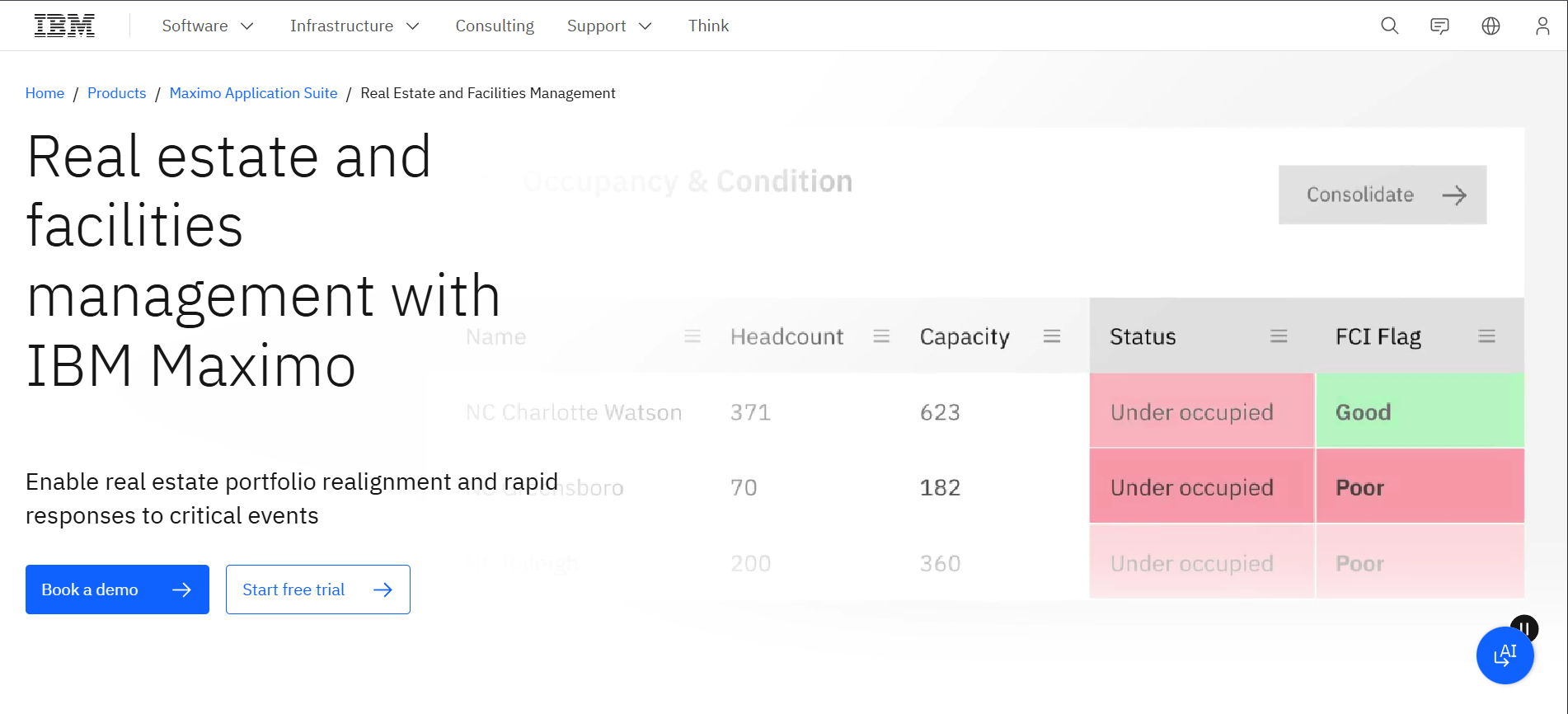
TRIRIGA’s roots are in real estate and workplace management, and that shows in where the platform’s depth actually sits: lease administration, space and occupancy management, capital project tracking, and sustainability and energy reporting.
Main functions:
- Real estate management: portfolio-wide lease administration, including automated compliance support for lease accounting standards
- Space management: tracking of room usage, seating arrangements and occupancy rates to support workplace optimisation and safety compliance.
- Capital project management: planning and tracking of construction and renovation projects against budgets and timelines.
- Environmental and energy management: monitoring of energy consumption and sustainability metrics across a real estate portfolio.
- Maintenance management: scheduling of preventive tasks and tracking of asset lifecycles, connected to the platform’s broader real estate data.
- System integration: pre-built integration with IBM Maximo and third-party ERP and business intelligence tools.
Advantages of TRIRIGA:
- Strong depth in lease administration and capital project management
- Highly customisable, modular architecture that can scale to very large, complex property portfolios.
- Backed by IBM’s enterprise support infrastructure and long-term product investment.
Disadvantages of TRIRIGA:
- The user interface is consistently described across review platforms as outdated and not particularly intuitive, with a steep learning curve for new users.
- Customisation requires meaningful technical skill and development effort
- Pricing is not published, and no self-service trial is available.
TRIRIGA suits large enterprises that need to manage real estate, leases, and capital projects in one platform, and is more than teams who just want a lean maintenance tool require.
It is not possible to request a test account via the website.
- Particularly suitable for enterprises with a large property portfolio.
- Capterra: 4.2 (5 reviews)
- Google Play: No rating
FMX - Facilities Management Software Specialising in Education
FMX was founded in 2012. The first version of FMX was meant to manage preventive maintenance scheduling and facility scheduling for that specific use case. That foundation has remained central to the product ever since:
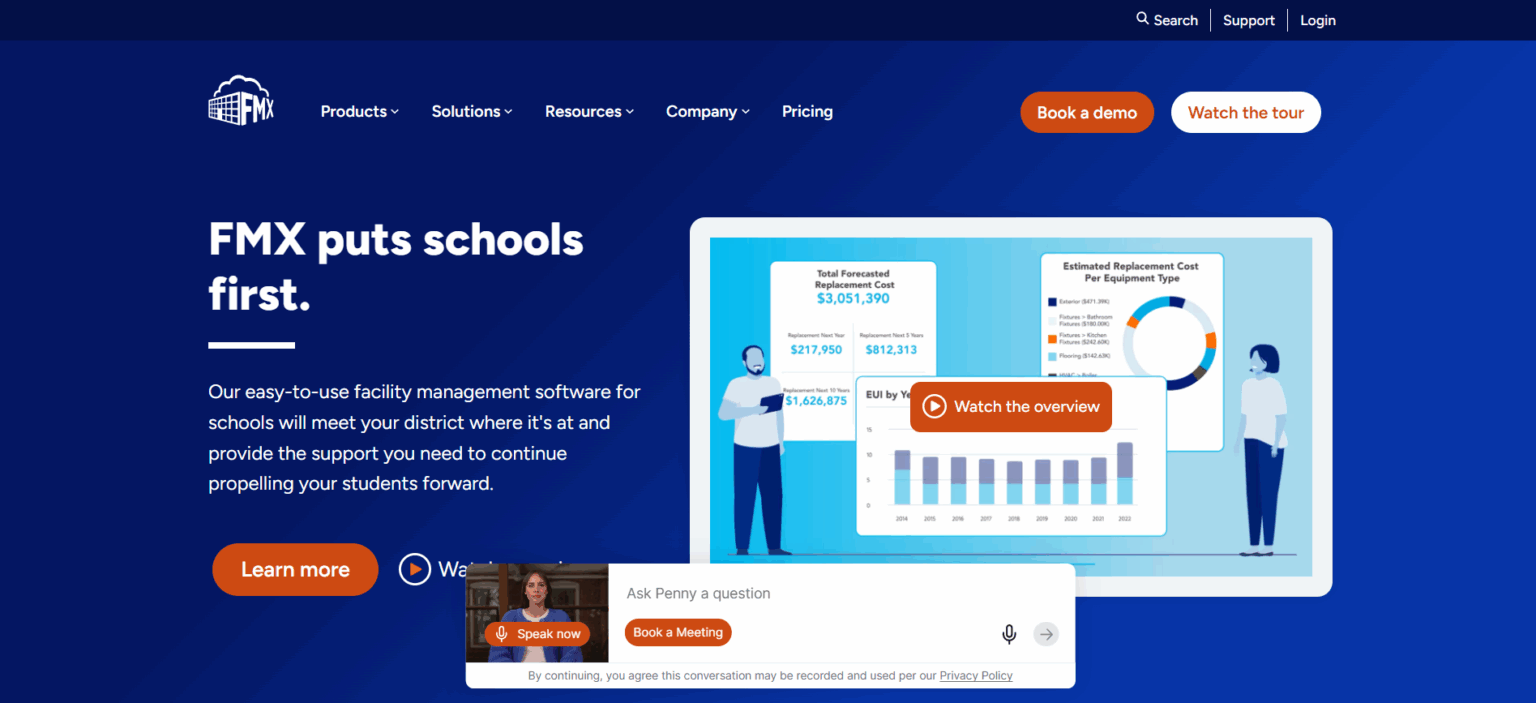
Today, FMX serves K-12 school districts, higher education institutions, and state and local government bodies, with functionality tailored specifically to how those organisations operate, including community-facing facility scheduling and capital planning for budget approval processes that look very different from a typical commercial facilities team’s workflow.
Main functions:
- Work order management: maintenance requests are submitted through configurable forms on any device, with resolution data rolling up automatically to asset-level reporting.
- Capital planning and forecasting: a dedicated dashboard aggregates asset data to project replacement timelines and costs by year, helping facilities directors build defensible capital expenditure forecasts for boards and leadership.
- Facility scheduling and rental management: staff and community members can book rooms, spaces and equipment directly through FMX, including event logistics and payment processing.
- Mapping: assets, work orders, inventory and spaces are visualised on custom floor plans or geo-based maps, and community members can report issues through a public, map-based portal without needing an FMX account.
- Fleet and IT asset management: vehicles and technology assets are tracked alongside facility assets within the same platform.
Advantages of FMX:
- A purpose-built capital planning dashboard that addresses a specific need in the education and public sector
- A public-facing, map-based request portal that allows community members, parents, or residents to report issues without needing an account
- A reputation among users for a simple, friendly interface and a positive customer support experience.
Disadvantages of FMX:
- The platform’s functional depth is concentrated around education and public sector workflows; organisations in general commercial facilities management may find some features less relevant to their needs.
- Pricing is not transparently disclosed on the website
- A free trial is available on the website only via a sales conversation
FMX is a facilities management software built around a specific origin in K-12 education, and that focus remains its defining characteristic. It is best suited to school districts, universities and local government bodies that need capital planning and community-facing scheduling features.
A free trial is available on the website via a sales conversation
- Particularly suitable for schools, universities and K-12 structures.
- Capterra: 4.7 (420 reviews)
- Google Play: No rating
Corrigo - CMMS Software for FM Teams by JLL
Corrigo was founded in 1999 and acquired by Jones Lang LaSalle (JLL), the global commercial real estate services firm, in 2015.
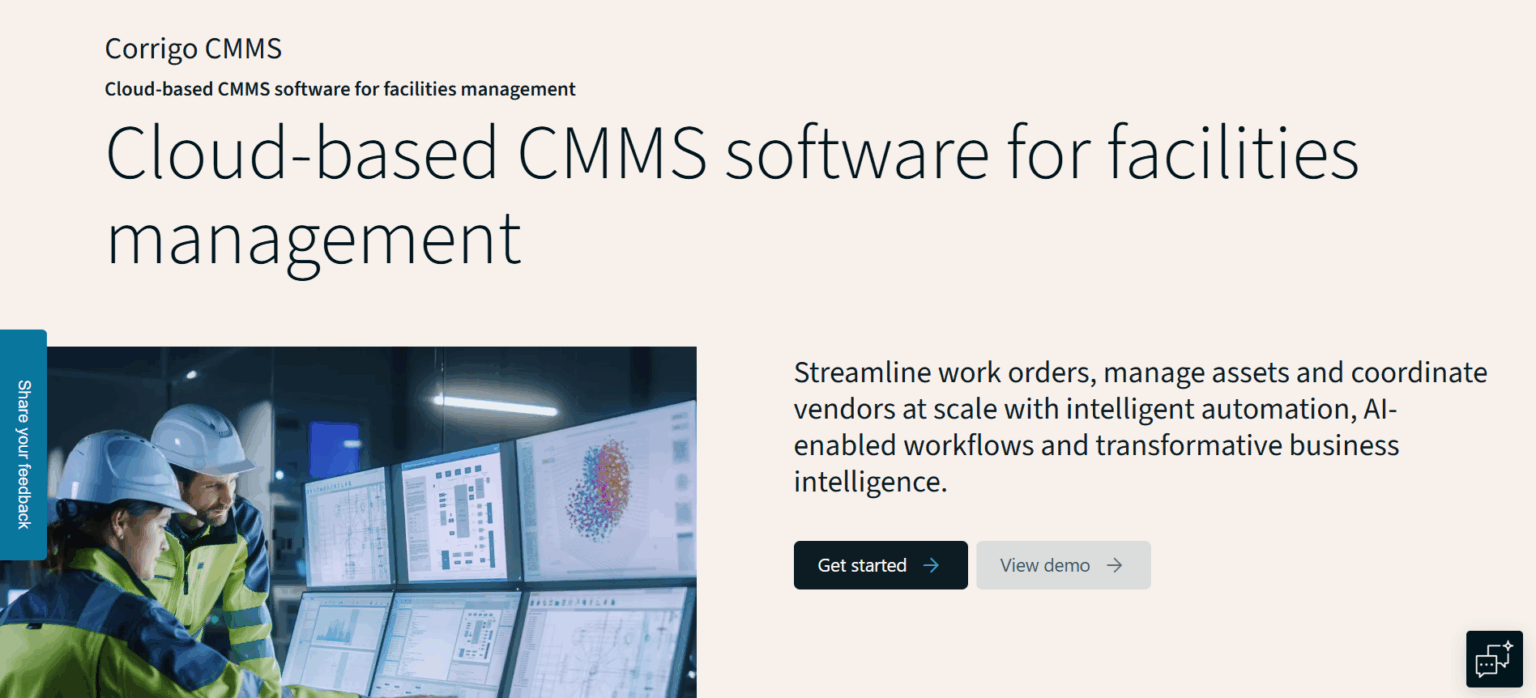
Corrigo now operates as the CMMS arm of JLL Technologies. That parent relationship shapes much of how Corrigo positions itself: as a maintenance platform connected to a much larger real estate services ecosystem, including JLL’s own vetted network of facility service providers.
Main functions:
- Work order management and automation: work orders can be created, assigned and tracked centrally, with automated routing based on priority and technician availability.
- Asset management: building systems and equipment can be documented and monitored throughout their operational lifecycle.
- Service provider network: facility teams are connected to JLL’s network of vetted service providers for vendor coordination and performance tracking.
- Preventive maintenance scheduling: recurring maintenance tasks can be planned and executed with automated triggers.
- Business intelligence and reporting: AI-supported dashboards analyse everyday business data to flag where costs can be cut, where schedules can be optimised, and where assets are costing more to maintain than to replace.
- Enterprise integrations: the software connects to ERP systems, including SAP, to support data continuity across platforms.
Advantages of Corrigo:
- Backed by JLL’s facility consulting and real estate advisory infrastructure, which is particularly relevant for organisations that already work with JLL on the real estate side.
- Built for large, multi-site portfolios with complex vendor coordination needs, with particular strength in sectors like restaurants, grocery, and retail where many locations and many contractors have to be managed at once.
Disadvantages of Corrigo:
- Pricing is not disclosed on the website, and costs depend on user count, modules, and implementation scope.
- No self-service trial is available, so access requires a sales conversation.
- The platform is positioned for enterprise-scale operations, which can be more than a smaller facility team needs.
- Some reviewers note a steep learning curve and variable support response times
Corrigo is best suited to organisations running multi-site facility portfolios, particularly those that already work with JLL for broader real estate or consulting services and want their maintenance management connected to that existing relationship.
No immediate, self-service trial that allows instant account access.
- Particularly suitable for large, multi-site operators with complex vendor networks, especially existing JLL clients.
- Can be operated in the browser or via mobile app.
- Capterra rating: 4.4 (28 reviews)
- Google Play: No rating
eMaint - CMMS Software for Asset Maintenance
eMaint is a CMMS software developed by Fluke Reliability, part of the Fluke Corporation, the well-known manufacturer of electronic test and measurement tools:
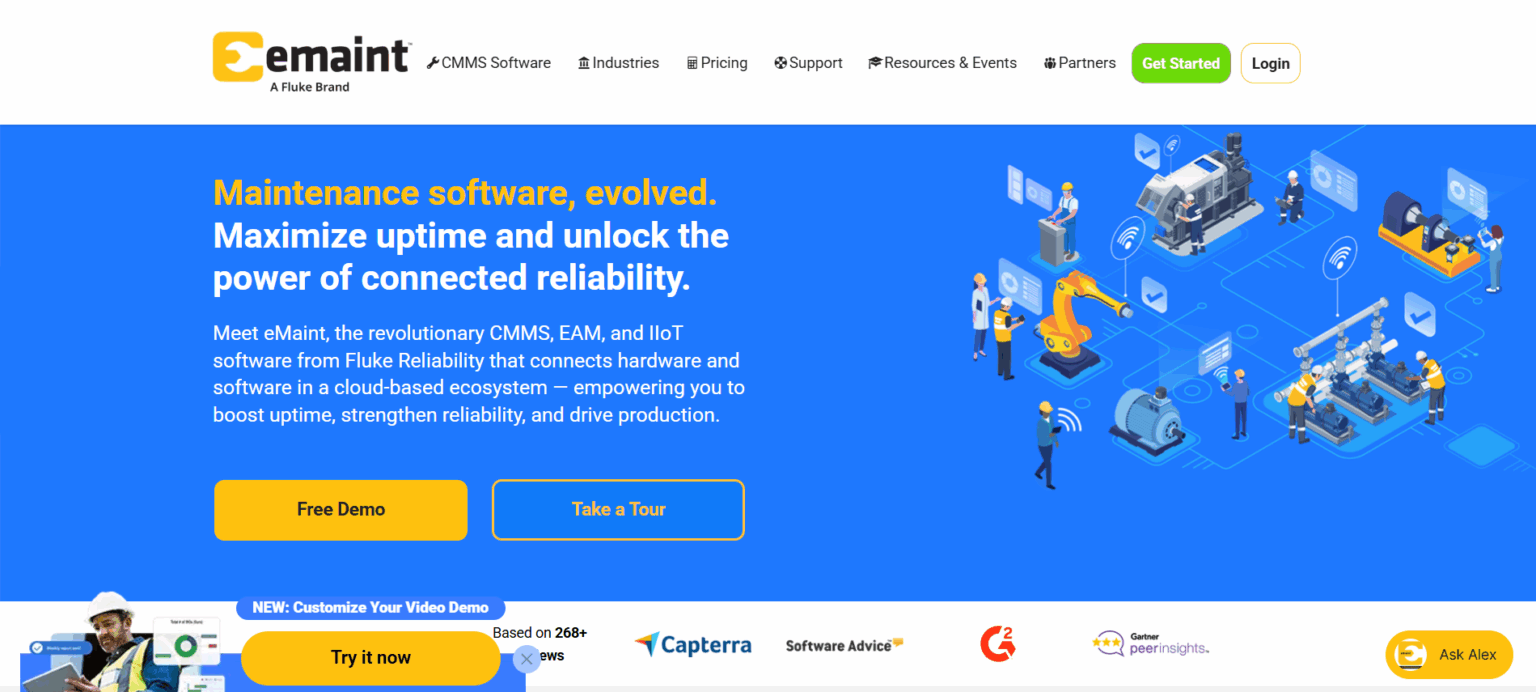
The solution was founded in 1986 and is used by industrial and production companies that require maintenance management with strong integration capabilities. eMaint focuses on preventive and predictive maintenance, compliance documentation and connectivity with existing ERP systems.
Main functions:
- Work order management: Work orders can be created, assigned and tracked digitally, including via a mobile app for field technicians.
- Preventive and predictive maintenance: Recurring maintenance plans can be configured, and condition-based triggers can be set to pre-empt equipment failure.
- Asset and location structures: detailed mapping of complex, multi-site organisational structures.
- Spare parts and inventory management: a complete inventory management module with stock tracking and reorder triggers.
- Analytics and reporting: extensive reporting functions, KPI dashboards and best-practice templates for various industries.
- ERP and API integrations: strong API capabilities for connecting with existing enterprise software environments.
Advantages of eMaint:
- Specialised in asset reliability and condition-based maintenance for complex, multi-site industrial environments
- Transparent pricing structure published on the website.
- Established track record with industrial and manufacturing customers managing complex, multi-site asset structures.
- Strong API and integration options for connecting with existing IT and ERP infrastructure.
Disadvantages of eMaint:
- The platform’s industrial focus may require more time and effort to implement and manage the system effectively
- Multiple reviewers cite slow phone support and limited technical support coverage
- Some users feel the interface looks dated next to more recently built cloud-native tools
- No immediate, self-service trial that allows instant account access.
eMaint is a well-established CMMS software suitable for industrial companies and maintenance organisations managing complex, multi-site asset structures, especially where there is real value in linking maintenance software to Fluke’s broader hardware and condition-monitoring ecosystem.
No immediate, self-service trial that allows instant account access.
- Particularly suitable for industrial and production companies with integration-heavy requirements.
- Capterra: 4.5 (411)
- Google Play: No rating
MaintainX - CMMS Software with a Mobile-first Approach
MaintainX is a cloud-based CMMS and enterprise asset management platform:
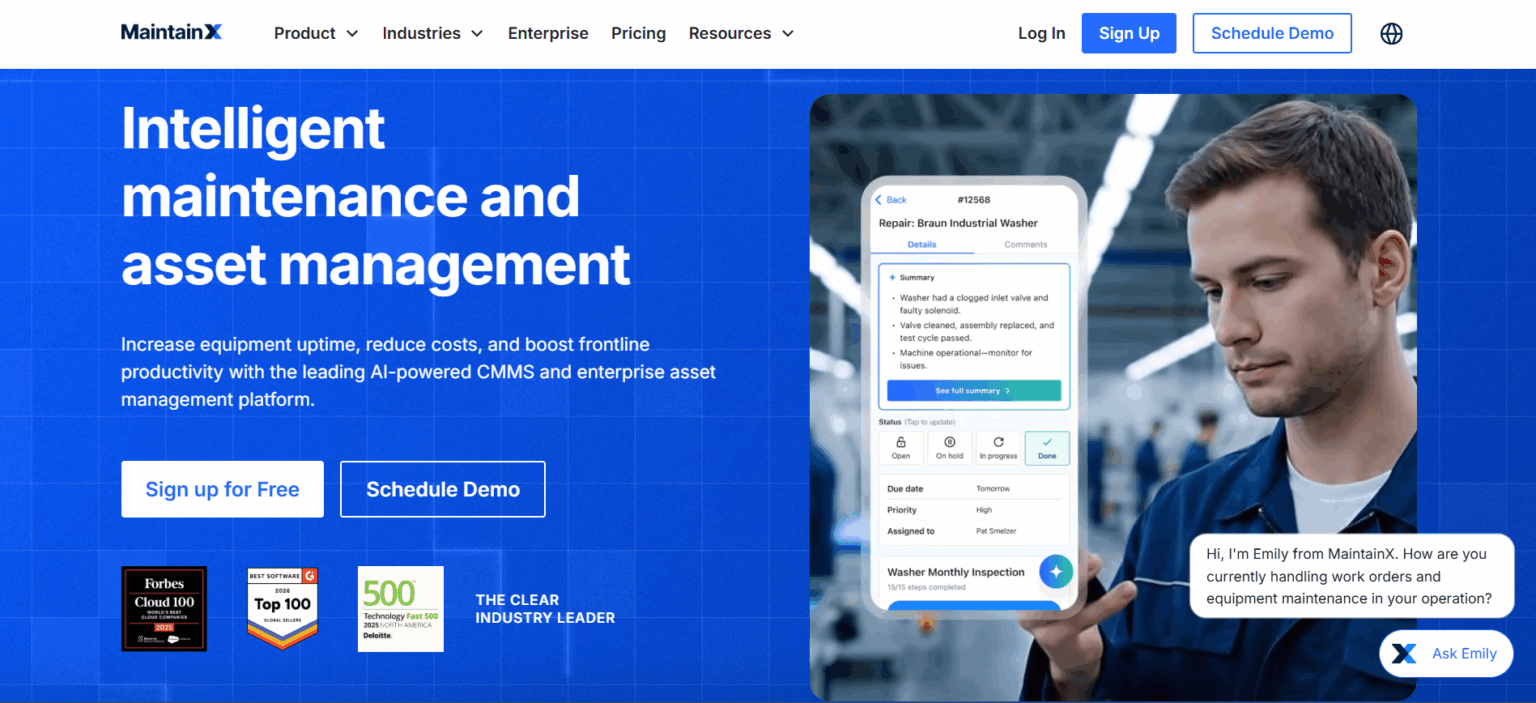
MaintainX was founded in 2018, built mobile-first from day one, and designed around the way frontline technicians actually work in the field. In 2026, Autodesk announced its intention to acquire the company, which would bring MaintainX into Autodesk’s broader construction and operations technology portfolio.
Main functions:
- Work order management: work orders can be created, assigned and tracked across sites, with AI-assisted routing and suggestions for field teams.
- Preventive and predictive maintenance: automated PM scheduling and condition-based triggers help reduce unplanned downtime.
- Asset management: equipment health, maintenance history and reliability metrics are tracked per asset to support lifecycle decisions.
- Parts inventory management: stock levels can be monitored and reorder processes automated based on usage patterns.
- Checklists and inspections: digital inspection forms can be created and completed in the field, supporting safety and compliance requirements.
- Reporting and analytics: pre-built and natural language-based reports provide insights into costs, downtime and team performance.
Advantages of MaintainX:
- A mobile-first design built around field technician usability from the outset
- AI features are integrated throughout the platform, including scheduling, reporting and anomaly detection
- A free plan and self-service sign-up are available without needing a sales call
- Pricing is transparently available on the website
Disadvantages of MaintainX:
- The announced acquisition by Autodesk introduces uncertainty regarding future product direction, pricing and support structure.
- Its orientation toward maintenance and manufacturing means it is built more as a maintenance system than a facilities-coordination platform
- Some compliance and CAFM-specific modules are not part of the MaintainX scope.
MaintainX is a CMMS platform built specifically around mobile-first usability, which makes it a strong fit for organisations where field technician adoption is the deciding factor in choosing a tool, particularly across multi-site industrial and facilities operations.
A free account can be created directly via the website. A demo is also available.
- Particularly suitable for multi-site facility and industrial operations teams prioritising field-team mobile adoption.
- Capterra rating: 4.8 (1044 reviews)
- Google Play: No rating
Types of Facilities Management Solutions
Software products for facilities management are all-in-one platforms and therefore include planning, administration and communication tools. Users can prioritise and delegate tasks, streamline and document maintenance processes, and proactively develop and implement strategies.
Despite these similarities, there are considerable differences between the individual tools. The following distinction has been established for systematisation:
CAFM (Computer-Aided Facility Management)
Building management software as in our CAFM software overview offers comprehensive functions for holistic building management. Both technical and commercial, infrastructural and administrative tasks are covered, for example, space management, room management, energy control, contract management and the coordination of service providers.
CMMS (Computerized Maintenance Management System)
CMMS focuses on the technical maintenance of systems and buildings. Typical functions include maintenance planning, fault management, repair and spare parts management and the documentation of maintenance measures. CMMS is often a component of CAFM.
IWMS (Integrated Workplace Management System)
An IWMS integrates functions from CAFM, CMMS and EAM and expands them to include aspects of workplace design and sustainability. These include, for example, the management of office space and meeting rooms as well as the analysis of energy consumption, water consumption, waste production and CO₂ emissions.
How We Evaluated Facilities Management Software Solutions
The market for facilities management software is enormous, with well over a hundred products on offer, so that no single comparison can cover all of them. To arrive at a useful shortlist, we applied a clear set of criteria:
- Every product examined belongs to the CAFM, CMMS, or IWMS category. We deliberately excluded ERP and EAM systems, because their scope reaches far beyond facilities management and they answer a different question.
- We assessed each candidate against the factors that decide whether a tool earns its place in daily operations: pricing and how transparently it is published, the range and quality of integrations, how demanding onboarding and implementation are, and how well the platform serves office-based managers and field teams at the same time. We weighed those findings against our own market research, hands-on industry experience, and direct customer feedback to identify the solutions most relevant to facilities professionals.
- Because the market is so large, this selection is not exhaustive. Instead, it is a balanced cross-section, pairing long-established providers with newer entrants so the comparison reflects genuinely different approaches to facilities management.
This selection ensures that the products are comparable with each other. At the same time, they cover a broad spectrum of customer requirements. Because one thing is certain: as diverse as the tasks in facilities management are, the requirements for suitable software are just as varied.
Conclusion
The facilities management software market in 2026 makes one thing clear: there is no single perfect tool for everyone, but there is a right tool for almost any requirement.
Wowflow sets itself apart from traditional plan-based CAFM systems by working as a collaborative operations platform, not a heavyweight system of record. It connects facilities managers, field teams, and external service providers in one place, allowing outside vendors to receive, update, and complete tasks from desktop or mobile without needing a paid Wowflow account. It does not try to match the full functional sprawl of enterprise platforms, and that is the point: it is a collaborative, cost-effective option for organisations that want to be up and running quickly.
By contrast, the broader 2026 facilities management software market is built for very different operational needs, with no single tool fitting everyone:
- Enterprise Platforms: Systems like Planon and TRIRIGA are engineered for complex, large-scale portfolios, with Planon leading in sustainability compliance and TRIRIGA specialising in lease administration and capital projects.
- Ecosystem-Backed Solutions: Corrigo (backed by JLL) and eMaint (backed by Fluke) provide deep value primarily to organisations already embedded within their respective corporate ecosystems.
- Specialised & Mobile CMMS: FMX serves a specific niche in public sector and educational facility scheduling, while MaintainX offers a technician-focused, mobile-first CMMS (currently navigating its acquisition by Autodesk).
Whichever direction you lean, the same advice applies: try the software with your own data before you commit. With Wowflow, you test a live, collaborative workflow that puts your managers, field teams, and external service providers in the same system at once. You can see that in action with 14 days free full access using real tasks, real people, and real service providers.
If you want to get started quickly and get strong value for money, Wowflow’s facilities management software is a low-commitment way to find out whether the collaborative approach fits how your team actually works.