
This article was revised on 22.02.2026 and checked for up-to-dateness. The comparison is based on market analyses, app store data and practical application scenarios in the DACH region.
Many maintenance teams still manage their maintenance schedules using Excel spreadsheets, emails and phone calls. Several hours are spent each week on manual task planning, status queries and feedback. At the same time, requirements are increasing: Inspection intervals must not be missed, external service providers must be properly integrated and health and safety regulations require complete documentation.
Professional maintenance management software creates structure here. Maintenance plans are automated, work orders are created digitally, the status is monitored in real time and measures are documented directly on site, even on mobile devices and offline. This significantly reduces administrative effort and coordination time.
But which solution is right for your team? Not every software is suitable for every company size, every budget and every level of digitalization. In this maintenance management software comparison, we analyze the most important providers in the DACH region – with clear criteria, a decision checklist and an overview of suitability for your team.
Brief overview - top maintenance management software in comparison
The market for maintenance management software has grown strongly in the DACH region. For the big 2026 comparison, we have selected a wide range of providers: from those specializing in industrial machine maintenance with a focus on AI and APIs, to others focusing on operational maintenance of buildings and collaboration with external service providers.
We have selected the following providers on the basis of the criteria below selected:
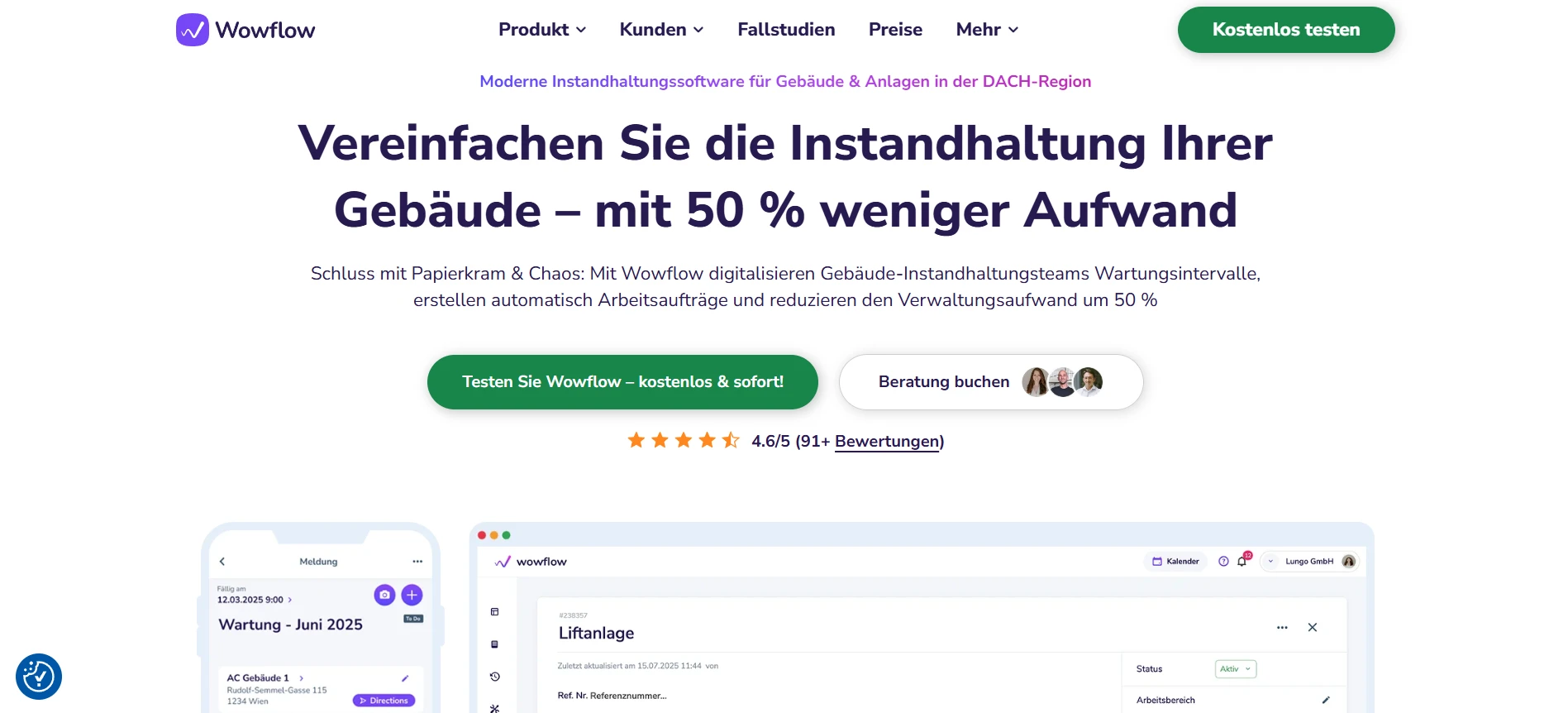
Wowflow: The maintenance management software is geared towards mobile-first applications and offers free integration with service providers. The intuitive app is suitable for small and large companies – from just 99 euros per month.
Remberg: AI-supported maintenance management software for industry & production with API integrations. The focus is on data-driven machine maintenance.
eMaint: An established CMMS with 30 years of industry experience. eMaint is suitable for industrial companies that are active in manufacturing and production. The tool costs from just 69 euros*.
ToolSense: Maintenance software with an IoT & device focus. Ideal for construction and cleaning companies.
Maintastic: CMMS with a clear industrial focus on manufacturing and production. Maintastic offers a white label solution. They also offer a video chat function.
Operations1: Digital checklist and inspection platform for mechanical and plant engineering. Offers a range of advanced, interconnected digital checklists with SAP integration.
QR-Maint: Affordable CMMS software for maintenance teams who need a simple and inexpensive mobile app. Maintenance planning and ticket management from 10 euros* per user.
Wowflow - Collaborative maintenance management software for operational teams
Main functions:
- Order management & ticketing incl. QR and e-mail integration
- Preventive maintenance planning with automatic interval control
- Asset management for building assets incl. structured hierarchies
- Checklists, forms & digital photo documentation
- PDF reporting with logo & digital signature
- Device and key management
Advantages:
- User-friendly modules, specially developed for the maintenance of buildings.
- First-class collaboration platform with unlimited and free licenses for external service providers.
- Mobile app that is widely accepted by field staff and works offline.
- Can be tested for 14 days in your own company without a sales call
- Multilingual interface (10 languages)
- Personal onboarding & support in the DACH region
Disadvantages:
- Not particularly suitable for the maintenance of production lines or complex machines
- Does not yet have a module for inventory/spare parts management
When is Wowflow not ideal?
- When the focus is on complex industrial plants with OEE/MES integration
- When extensive ERP/SAP landscapes need to be deeply integrated
- When the focus is on strategic enterprise asset management rather than operational maintenance
Suitable for: Modern facility management and building service teams with high coordination density and external partners
Wowflow offers a free 14-day trial access and comprehensive information on the website.
- Can be operated in the browser or via mobile app.
- Capterra: 5.0/5.0 (16 ratings)
Remberg - AI-supported maintenance software
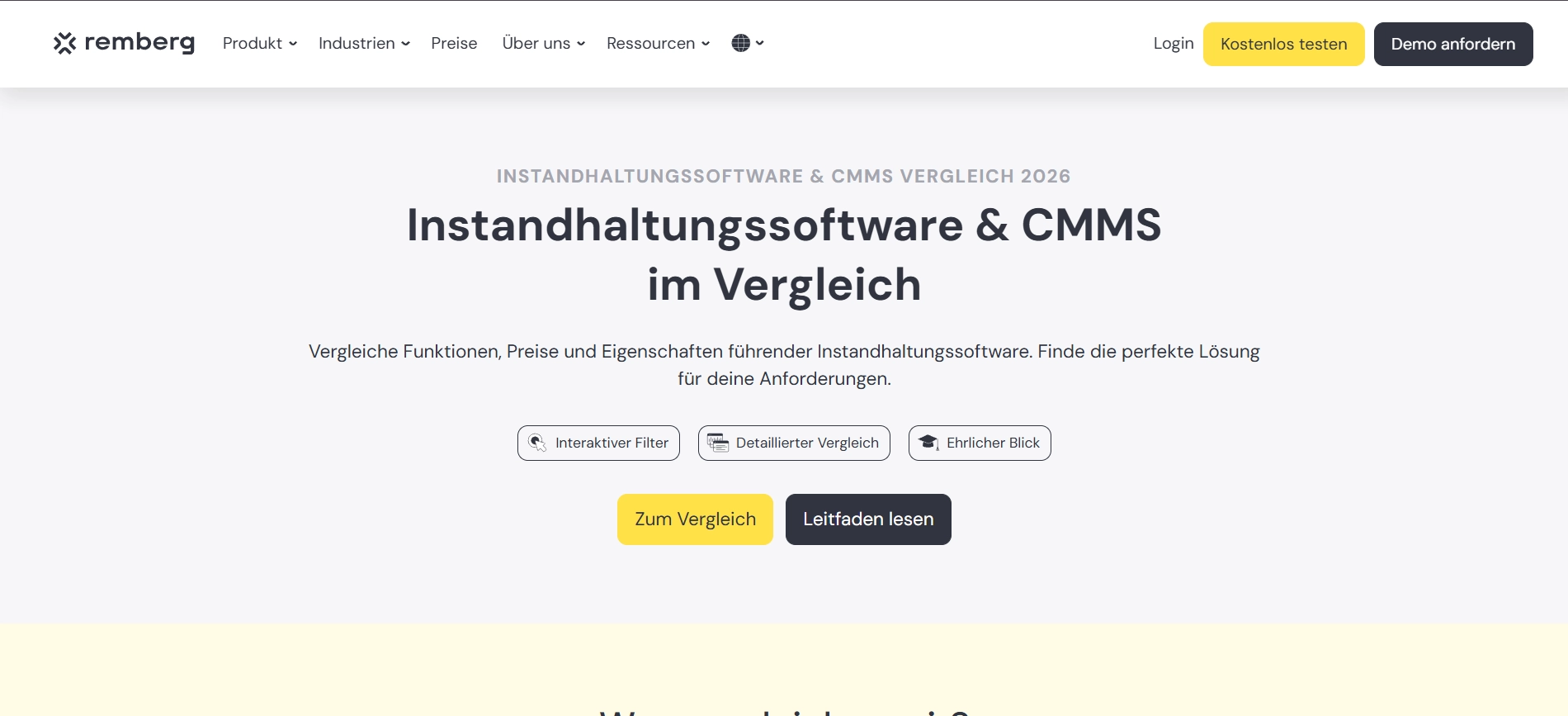
Remberg is a CMMS software with a focus on industrial maintenance, machine management and AI-supported maintenance processes. The platform is aimed at production companies that want to systematically evaluate maintenance data and efficiently control maintenance measures with the help of automation and integrations.
Main functions:
- Asset management with mobile & QR-based asset identification
- End-to-end work order management
- Checklists, inspection reports & SOPs (can also be used offline)
- Spare parts and warehouse management with asset linking
- Preventive maintenance planning on a time or interval basis
- Partner & supplier portal for external collaboration
Advantages:
- One of the first providers of the AI co-pilot for machine maintenance
- 14-day free trial without a sales call
- ISO/IEC 27001 certified
- API interfaces for system integration
Disadvantages:
- No transparent price structure
- Possibly too complex for simple building maintenance
Suitable for: Industrial companies and machine parks with a focus on AI-supported maintenance
- Price structure not publicly available
- Capterra: 4.6/5.0 (36 reviews)
eMaint - Internationally established CMMS solution
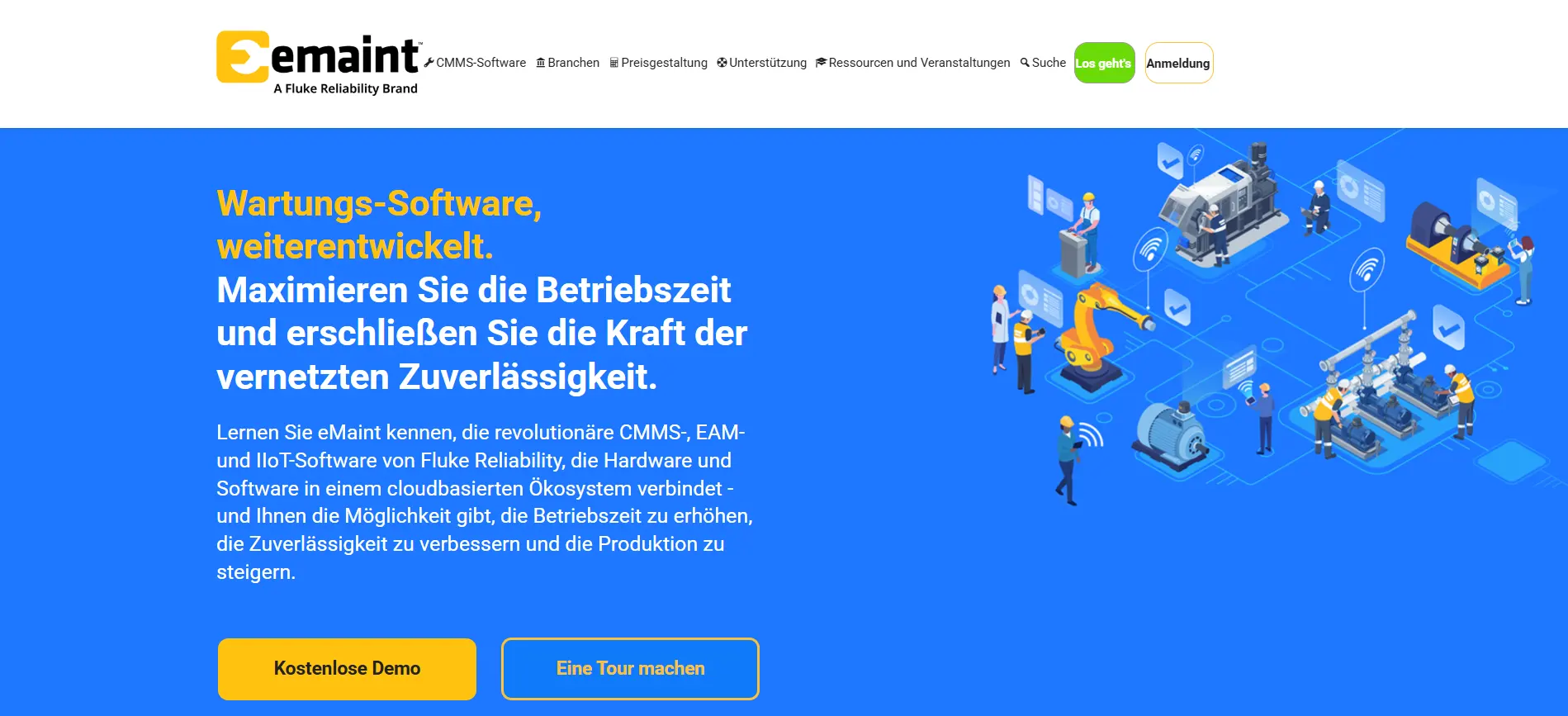
eMaint is an internationally established CMMS software with a focus on industrial maintenance, compliance requirements and system integrations. The solution is often used by larger industrial companies that manage complex plant structures and want to link their maintenance processes with existing ERP or IT systems.
Main functions:
- Preventive & predictive maintenance
- Management of work orders incl. mobile CMMS app
- ERP and API integrations
- Asset management & parts inventory management
- Analytics, reporting & compliance support
- Multi-site capability for multiple locations
Advantages:
- On the market for over 30 years with 150,000+ users worldwide
- Very strong API integration options
- Transparent price structure
- 300+ positive reviews on Capterra
Disadvantages:
- Could be too technical for simple building maintenance tasks.
- Some users may find the design outdated
- No possibility to test the software immediately without a sales pitch
Suitable for: Industrial and production companies with an integration and API focus
- Price structure: 69 € (Team User), 80 € (Professional User)
- Capterra: 4.4/5.0 (329 ratings)
ToolSense - asset operations platform with IoT integration
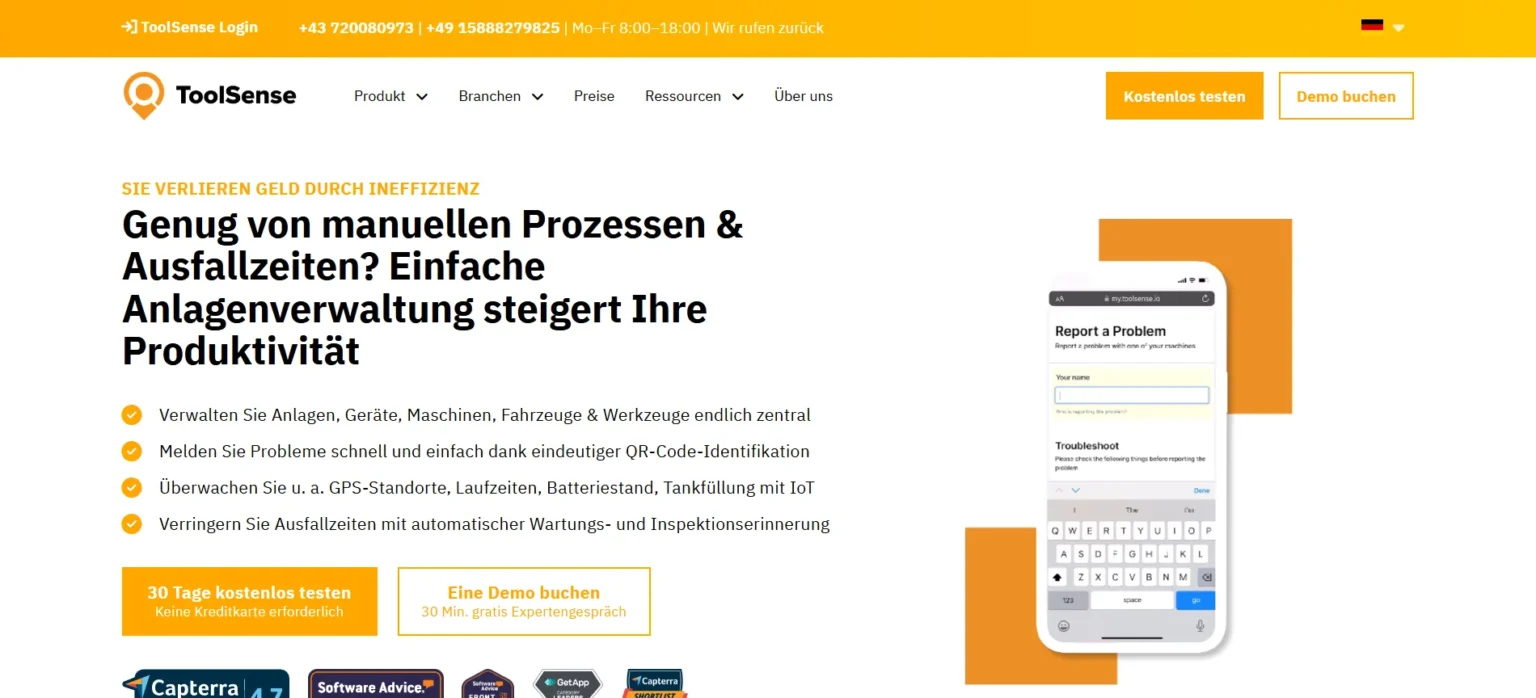
ToolSense is a maintenance management software that specializes in equipment management, inspection processes and IoT-based condition monitoring. The platform is aimed at companies in the construction, cleaning and technical service sectors that are looking to centralize the management of their equipment and machines and automate the collection of maintenance data.
Main functions:
- Digital asset management
- Tests & inspections with mobile documentation
- Maintenance management with interval control
- Work Order Management
- Analyses & Reports
- Own IoT hardware for machine monitoring
Advantages:
- Testable for 30 days without a sales call
- Particularly suitable for device and machine maintenance
- Own IoT and sensor solutions available
- Clear positioning in the construction & cleaning sector
Disadvantages:
- Possibly less suitable for simple maintenance and servicing processes or maintenance teams of smaller companies
- No public price indication
Suitable for: Construction, cleaning and technical teams with a focus on equipment maintenance & IoT
- Price structure not publicly available
- Capterra: 4.7/5.0 (67 ratings)
Maintastic - Industrial CMMS software with white label option
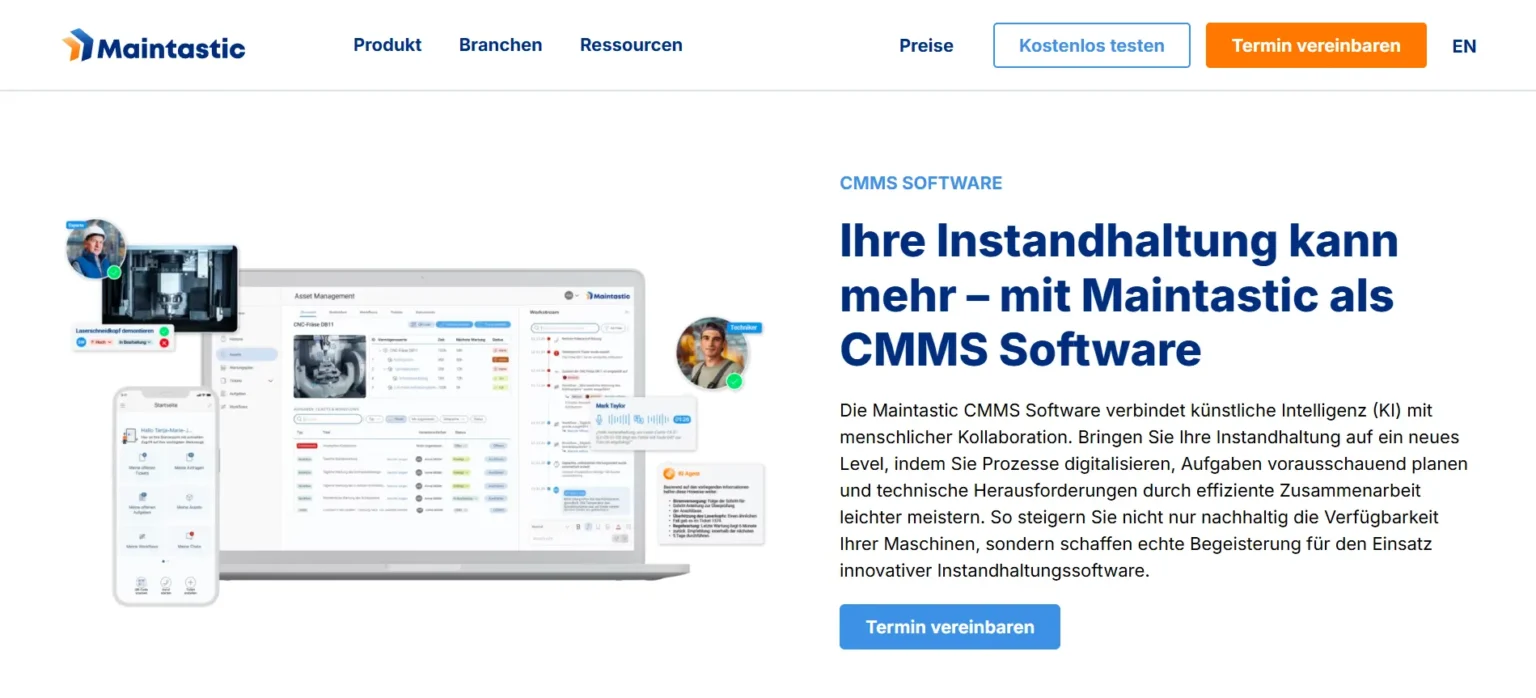
Maintastic is a CMMS software for industrial maintenance with a focus on AI-supported fault messages, AR-based collaboration and brand customization. The platform is suitable for production companies that want to digitalize maintenance processes and operate their solution in their own corporate design.
Main functions:
- Asset management with structured asset management
- Tickets & error messages via QR code, IoT or AI
- Maintenance planner for preventive maintenance
- Order management with mobile use
- AI- & AR-supported collaboration (video support, intelligent chats)
- White label solution in your own corporate design
Advantages:
- Integrated video and chat functions
- White label option for own branding
- ISO/IEC 27001 certified
- Good reviews on Capterra
Disadvantages:
- No public price structure
- No possibility to test the software immediately without a sales pitch
- No integrated spare parts or warehouse management module
Suitable for: Manufacturing and production companies with a focus on AI-supported processes or white-label requirements Manufacturing and production companies with a focus on AI-supported processes or white-label requirements
- Rice structure not publicly available
- Capterra: 4.9/5.0 (33 ratings)
Operations1 - Software for digital work instructions
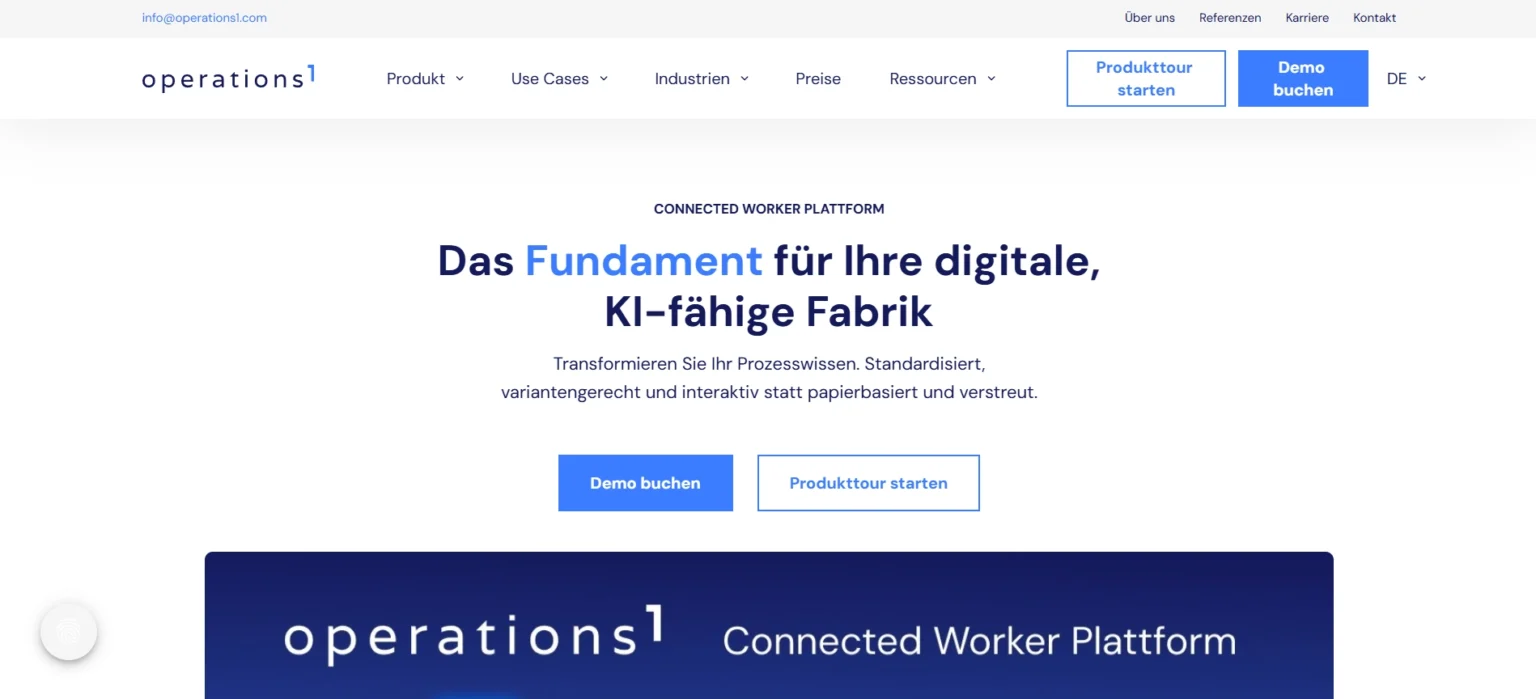
Operations1 is an industrial maintenance and inspection software with a focus on digital work instructions, structured checklists and process standardization. The solution is aimed at mechanical engineering and industrial companies that want to digitally map inspection processes and standardize operational processes in production and maintenance.
Main functions:
- Digital work instructions for standardized processes
- Checklists & test protocols for inspections
- Order and task management
- Automated logging of work steps
- Qualification management for employees
- Integration into existing system landscapes
- AI-based functions for process support
Advantages:
- Specially designed for industrial inspection and testing processes
- Networked checklist structure
- SAP partner & ISO/IEC 27001 certified
Disadvantages:
- No public price indication
- No possibility to test the software immediately without a sales pitch
- Possibly less suitable for simple maintenance and servicing processes or maintenance teams of smaller companies
- Price structure not publicly available
- Capterra: 4.5/5.0 (20 ratings)
QR-Maint - CMMS maintenance software for maintenance teams
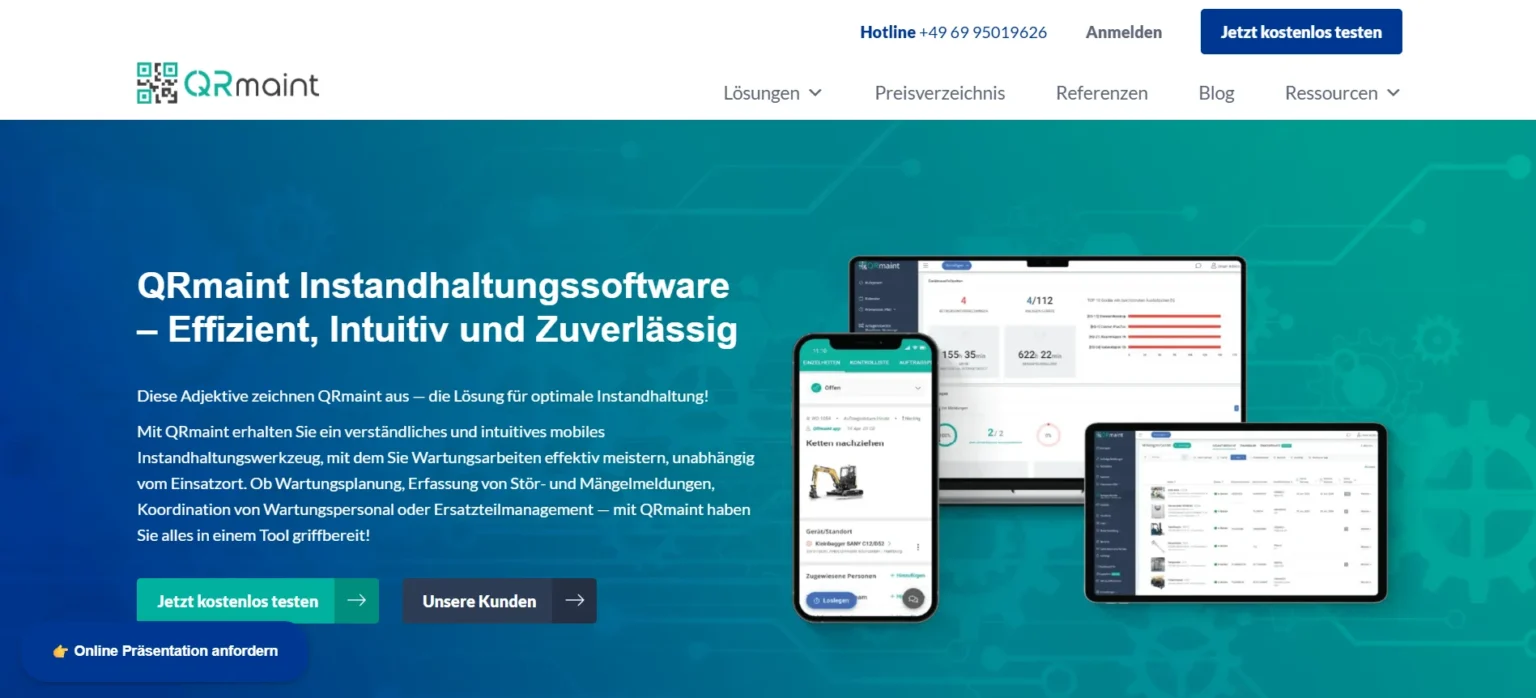
QRmaint is a CMMS maintenance management software with a focus on mobile use, fault message management and spare parts logistics in production environments. The platform is aimed at maintenance teams looking for a simple and cost-effective solution for maintenance planning, work orders and mobile documentation.
Main functions:
- Mobile app
- Fault and failure messages incl. push, e-mail and SMS notifications
- Preventive maintenance planning
- Spare parts warehouse & inventory management incl. QR/barcode tracking
- Visualization of machines & malfunctions on site plans
Advantages:
- Market leader in the Polish CMMS market
- 14 days free trial
- Transparent license prices
- Highly functional mobile app with wide distribution
Disadvantages:
- Possibly less suitable for complex enterprise or EAM requirements
- No local presence in the DACH region
Suitable for: Production and machine maintenance teams with a focus on simple, cost-effective CMMS solutions
- Price structure: 10 € (Standard), 21 € (Professional), 31 € (Premium)
- Capterra: 4.8/5.0 (5 ratings)
Decision support: Do you really need maintenance management software?
Maintenance management software is a digital system for planning, controlling and documenting maintenance and repair work on machines, systems and buildings. It structures work orders, preventive maintenance plans, asset data and records in a central system. The aim is to reduce downtimes, create transparency and make maintenance processes more efficient.
However, whether software is necessary depends heavily on your organizational effort.
Functional fit: what is really a must-have?
- Work orders & fault message management
- Preventive maintenance planning
- Structured asset hierarchy
- Documentation with photos, attachments and reports
- Role and rights management
If these functions are missing, media disruptions, documentation gaps or liability risks often arise.
"Nice-to-have" functions:
- Condition monitoring
- OEE or MES integration
- Advanced BI analyses
- Complex spare parts or warehouse management
These functions are particularly relevant for industrial production environments, but not necessarily for classic building maintenance.
Individual functions in detail:
Offline capability
Enables work orders to be processed without an Internet connection and synchronizes data automatically as soon as the network is available again.
Click paths
Faster creation, processing and completion of work orders shortens the processing time in the technical field service and increases user acceptance.
QR workflows
Enable quick reporting of faults as well as maintenance and repair processes directly on site.
Photo and PDF reports
Photo documentation, comments and digital signatures are automatically integrated into structured reports that are used for audits or customer reports.
Multilingualism
A multilingual user interface increases comprehensibility, especially in facility management or in production environments with international teams.
Structured service provider flow
A digital process from order to acceptance ensures transparent documentation, inspection and traceable completion of all services.
Clear roles & transparency
Property management, technology, facility management, external service providers and clients work on a shared platform with clear responsibilities and a real-time status overview.
E-mail integration
E-mails are automatically converted into work orders or tickets and assigned to the respective object.
ERP integration
Enables the linking of maintenance data with cost, material and accounting processes in the company.
Ticketing systems
Enable consistent processing of fault messages without media discontinuity. Reports are recorded centrally, prioritized and forwarded to the responsible employees or service providers.
Document management
Plans, test reports and contracts are available in a structured manner. Technical documentation, maintenance logs and system documents are stored centrally and are available at any time.
Single Sign-On (SSO)
Secure login via existing company accounts and simplified user management. Employees log in with their company accounts without having to manage additional passwords.
Data import (Excel/CSV)
Facilitates the migration of maintenance plans and asset lists from existing systems. Especially when switching from Excel-based maintenance plans, the data can be transferred quickly and in a structured manner.
Asset hierarchies
A clear asset structure logically maps buildings, technical systems and individual components. Maintenance measures, faults and histories can thus be clearly assigned to an asset or location.
There is often a need for action if:
- Maintenance intervals are missed
- Faults are only dealt with reactively
- Documentation for audits is missing
- Service provider coordination costs a lot of time
- Excel, Messenger and e-mail can be used in parallel
If administrative activities take up a significant part of your working time, structured maintenance software can help to standardize processes and reduce downtime costs.
How we compared (methodology & transparency)
The market for maintenance management software is highly fragmented and it is almost impossible to gain a complete overview of the market. We have therefore focused on clearly defined criteria in this comparison.
- Systems with a focus on maintenance management (CMMS) and related industrial solutions were taken into account. Pure ERP systems without a dedicated maintenance module were not included.
- The programs are established in the DACH region. However, we did not base our selection on market share, but on our practical experience as building managers.
- The systems cover either operational building maintenance or industrial machine maintenance. The aim was to present different requirements transparently – without choosing a “winner”.
The result is a realistic comparison that provides maintenance departments with a sound basis for decision-making.
Note: All information on functions and prices is based on publicly available information (as of February 2026) and our own tests. They are subject to change at any time. Please check the details directly with the provider before making a purchase decision.
Conclusion: Choose the right solution for your requirements
The selection of the right maintenance management software depends heavily on the area of application, the system landscape and the organizational complexity. The decisive factor is not the number of functions, but the fit with everyday operations.
If the focus is on field service, rapid implementation and high user acceptance, mobile-first CMMS solutions with simple maintenance planning and digital order management make sense.
If SAP landscapes, enterprise processes or strategic asset management dominate, EAM or enterprise-oriented systems are the more suitable choice.
If a trade business is already heavily ERP-oriented, an ERP system with an integrated maintenance module may be more suitable than a stand-alone CMMS.
A brief recommendation based on your individual user case:
For modern maintenance teams with external service providers:
→ Wowflow
- Ideal for building maintenance with high coordination density. Particularly suitable if external partners are to be integrated without additional license costs.
For complex industrial companies with an AI or API focus:
→ Remberg or eMaint
- Suitable for production environments, complex system structures and data-driven maintenance.
For price-conscious maintenance teams with a simple setup
→ QR-Maint
- Useful for smaller companies with a focus on mobile use and transparent license costs.
Ultimately, the “best” software is the one that best suits the individual structures, team size and specific requirements. The free trial period should be used to find out.
Some providers – such as Wowflow – allow a direct 14-day trial access in your own company without a prior sales meeting. For example Wowflow as maintenance software offers one to interested parties.
FAQ
What is maintenance management software?
Maintenance management software is a digital tool that supports companies in keeping their machines, systems and buildings in optimum condition. It facilitates the planning of maintenance work, the documentation of repairs and maintenance as well as communication with internal and external parties. The use of such software can prevent breakdowns, extend the service life of systems and save costs in the long term. In practice, it is often referred to as CMMS (Computerized Maintenance Management System).
What does maintenance management software cost?
The costs depend on the provider, the range of functions and the number of users. A monthly fee is usually charged per active user. With Wowflow, the license for managers costs €39.90 per month, while external service providers can be integrated free of charge. Many providers offer a free trial period to try out the app in everyday use.
Which functions are mandatory?
Good maintenance management software should offer at least the following functions:
- Creation and management of maintenance plans: This allows you to define maintenance intervals and automate recurring tasks.
- Task management: The software should derive tasks from the plans and display the current status so that you can track progress.
- Communication: Easy communication with team members and external service providers is important for exchanging information quickly and solving problems.
- Mobile app: With a mobile app, employees can document maintenance measures directly on site, which saves time and reduces errors.
CMMS vs EAM vs CAFM - which fits when?
A CMMS (Computerized Maintenance Management System) is suitable for operational maintenance, maintenance planning, fault messages and asset management.
An EAM (Enterprise Asset Management) covers the entire life cycle of complex assets and manages them, including investment planning.
A CAFM system also covers commercial and infrastructural processes such as space, contract and budget management.
Is there free maintenance management software?
There are usually free trial periods during which all functions can be used for a limited time. Wowflow, for example, offers free licenses for external employees as well as a free trial phase in which you can try out the software yourself.
How long does the introduction take?
Depending on the system type, implementation takes between a few weeks and several months. Wowflow guarantees the successful implementation of the software within 8 weeks.
How does the integration of external service providers work?
Modern maintenance management software such as Wowflow enables the digital integration of external service providers via user access, email integration or QR-based orders. These are centrally assigned, documented and reported back, including photos or reports.